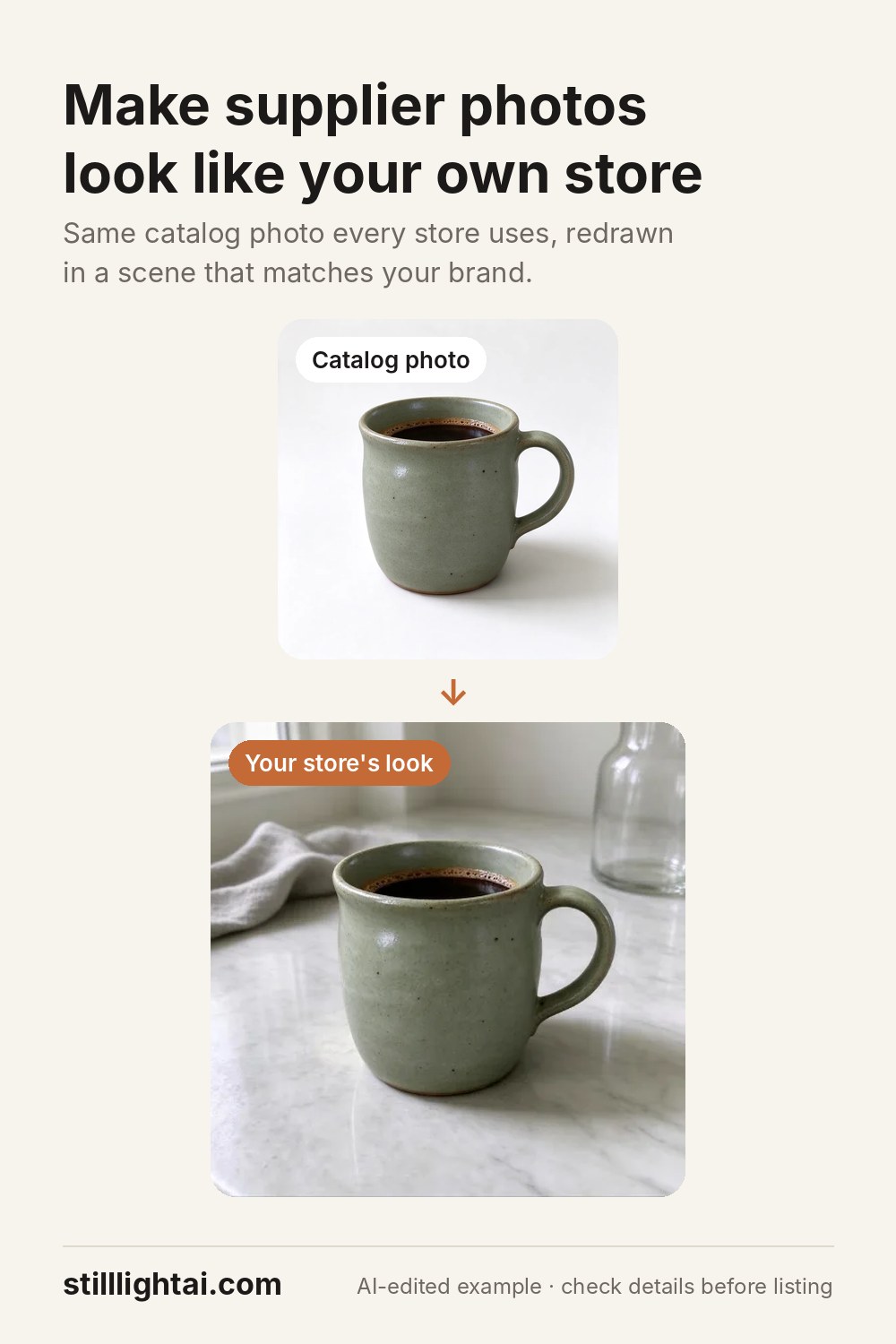
Make supplier product photos look like your own store.
If you sell products from a supplier, you probably use the same catalog photos as every other store selling them. You can upload that photo, pick a style, and get the same product in a scene that matches your brand. First, make sure you have the right to use and edit the photo.
Try it free on your product photo
Only need a white background? Use the free tool
2 free watermarked previews a day without an account. 3 free credits to start, no sign-up or card needed. Paid credits start at $4.90 and include commercial use.
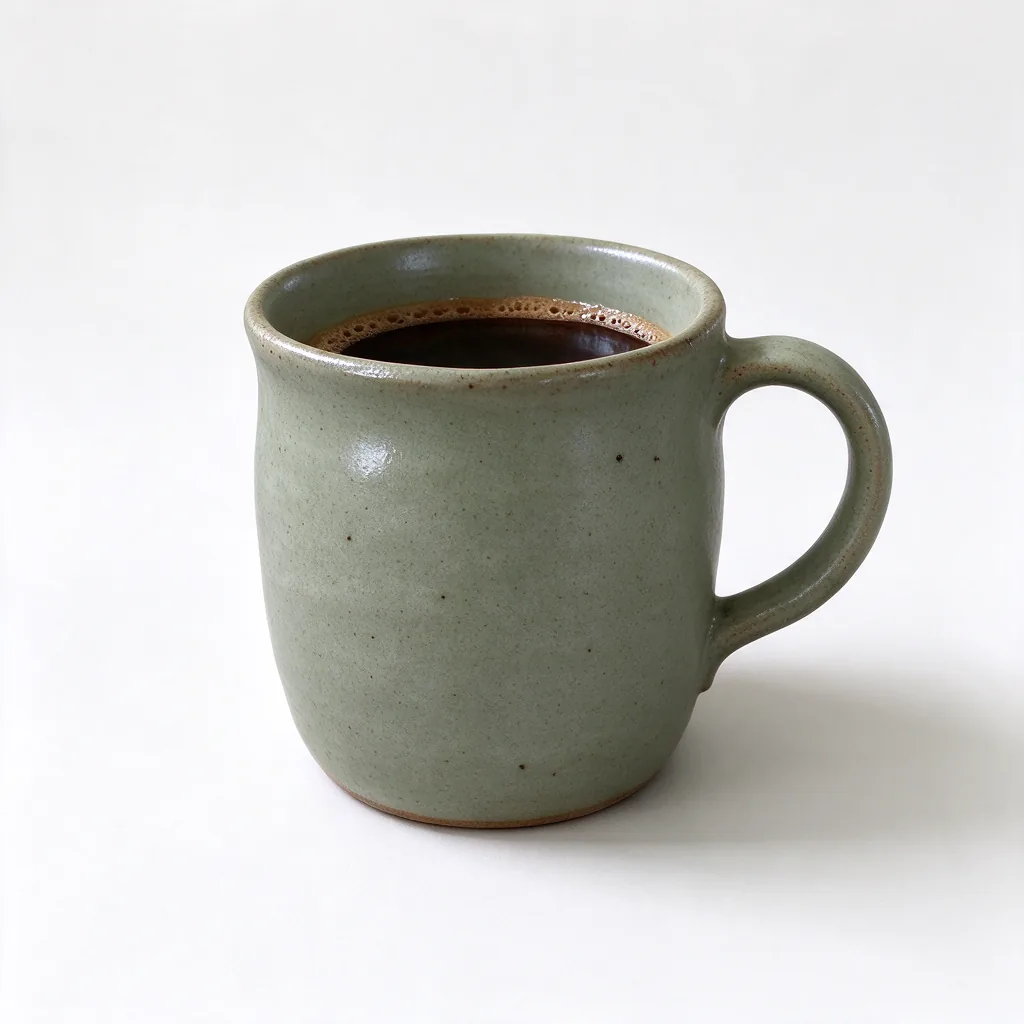 Catalog photo
 Calm, premium store
 Gift shop
 Outdoor brand
Why the same supplier photo holds you back
When a shopper compares stores, identical photos make every listing look interchangeable, so the decision often comes down to price. Catalog photos are also usually shot for a white page, not for your store's style, so a collection built from several suppliers can look mismatched. Giving every product the same lighting and setting makes your store look like one brand instead of a list of imports.
Before you start: check you can use the photo
- Ask your supplier. Get written permission to use and edit their product images. Supplier terms differ, so don't assume.
- Skip branded products you are not authorised to sell. Editing a photo doesn't change who owns the brand or the original picture.
- Don't remove other people's watermarks or logos. If a photo carries someone else's mark, ask for a clean version or take your own photo.
- Even a quick phone photo of a sample you ordered works, and it is fully yours.
This is general guidance, not legal advice.
Pick one look for your whole store
| Style | Good for |
|---|---|
| Marble | Jewellery, beauty, kitchenware, anything that should feel premium |
| Lifestyle | Home goods and everyday items shown in use |
| Gift guide | Gift shops and seasonal collections |
| Outdoor | Garden, travel and outdoor products |
| Christmas | Holiday campaigns from now until December |
| Clean white | Main images on marketplaces that require a white background |
Using one style for most of your catalog matters more than which style you pick.
How to do it
- Upload the supplier photoUse the largest version you have, with the whole product in view.
- Pick a styleTry a free preview first. If you like it, sign up and make the full-size image.
- Check the detailsCompare colour, shape, printed text and logos with the real product before you publish.
Keep your listings honest
- Props in the scene should not look like they are included. Say in the description exactly what the buyer receives.
- Keep at least one plain, accurate photo of the product in every listing.
- If you sell on a marketplace, read its current image rules. See our guides to Amazon main image rules and AI photo rules for Etsy and Amazon.
Common questions
Can I use my supplier's product photos in my store?
It depends on your supplier. Many suppliers share product photos for resellers, but not all do, and some photos belong to a brand or a photographer. Ask your supplier to confirm in writing that you may use and edit their images. This is not legal advice.
Will the AI change my product?
Stilllight is built to keep the product the same: shape, colour, material and printed details. Small text, logos and fine patterns can still drift, so compare every result with the real product before you list it.
Is it free to try?
Yes. You can make 2 small watermarked previews a day without an account. Then 3 free credits make a full-size image in the studio, still without an account; a free sign-up (no card) downloads it without the watermark. After that, the first pack is 60 credits (30 images) for $4.90, a one-time payment.
Should the new scene be my main image?
On your own Shopify store you can choose. On marketplaces such as Amazon the main image usually has to be on a plain white background, so use scenes as extra images there. Always check the current rules of the marketplace you sell on.
Try it with your supplier photo
3 free credits to start, no sign-up or card needed. Paid credits start at $4.90 and include commercial use. The exact credit cost is shown before you generate.
Save this guide for later