Seedream 5.0 Flash on Stilllight
Seedream 5.0 Flash is a fast image model made by ByteDance’s Seed team. Stilllight calls it through BytePlus ModelArk, ByteDance’s cloud AI platform. It is the model the product studio starts on and the one behind the free preview: 2 credits per image at any size up to 2K.
Want to see it on your product first? The AI product photography tool makes a free 512 px watermarked preview with Flash, no sign-up.
What it is good for, as a seller
- Everyday listing photos. A clean white main image, a lifestyle table, a seasonal scene.
- Trying several scenes. At 2 credits an image, the 3 free credits are one full-size shot with no sign-up, and a $4.90 pack of 40 credits is 20 shots.
- Quick turnarounds. Our one recorded timing sample took about 12 seconds at the provider for a 1024×1024 image.
We picked Flash as the product studio default because, in our own tests, it kept products about as faithfully as Seedream 5.0 Pro while finishing in roughly 10 seconds instead of about 80.
Credits and limits on Stilllight
| Credits per image | 2, at every size |
|---|---|
| Largest size | 2K: 2048×2048 square, 2560×1440 widescreen, 1440×2560 vertical |
| Images per request | 1 |
| Reference images | Up to 6 |
| Quality setting | Native only |
| Transparent background | Not supported. Use the free white background tool for cut-outs. |
| Free preview | Same model, 512 px, watermarked, 2 per person per day, no account |
| Model ID | dola-seedream-5-0-flash-260915 |
Stilllight credits are our own tariff, not BytePlus prices. Paid credits include commercial use; images made with the free credits are for personal use.
Examples from the product studio
One AI-made mug photo, three scenes, made in Stilllight’s product tool at 1 credit each (2 since credits were doubled on 31 October 2026). Flash is the model that tool uses today; we did not keep a per-image model record for these older examples, so treat them as examples of the workflow rather than a model test. The “original” is not a customer photo.
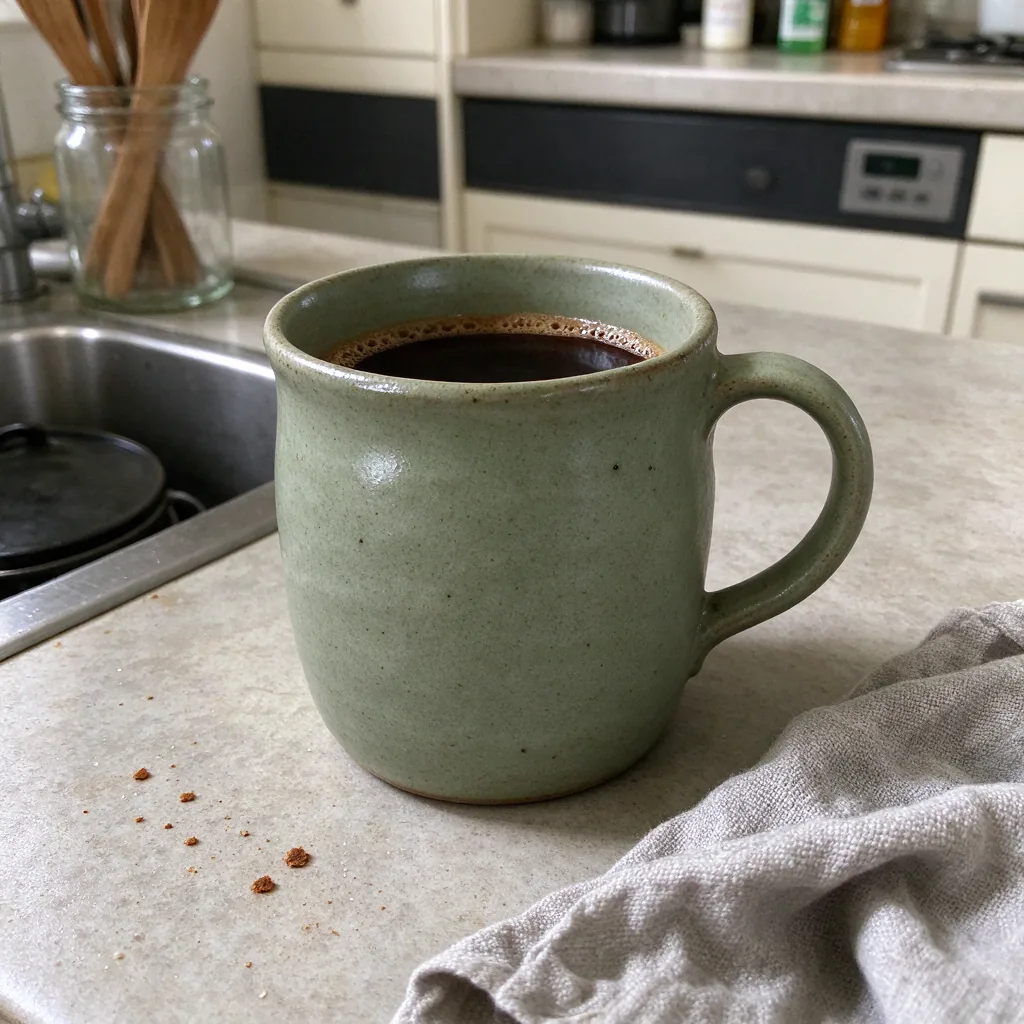 Original
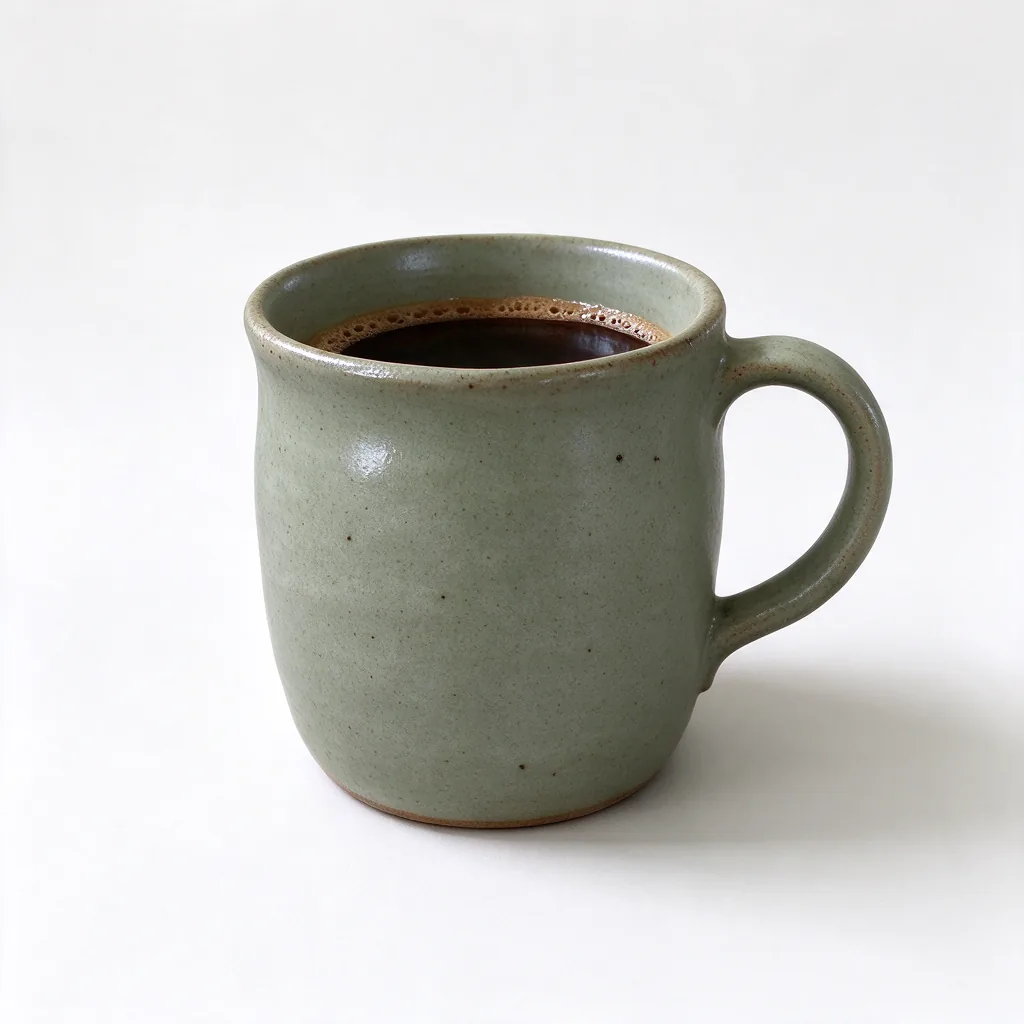 Clean white
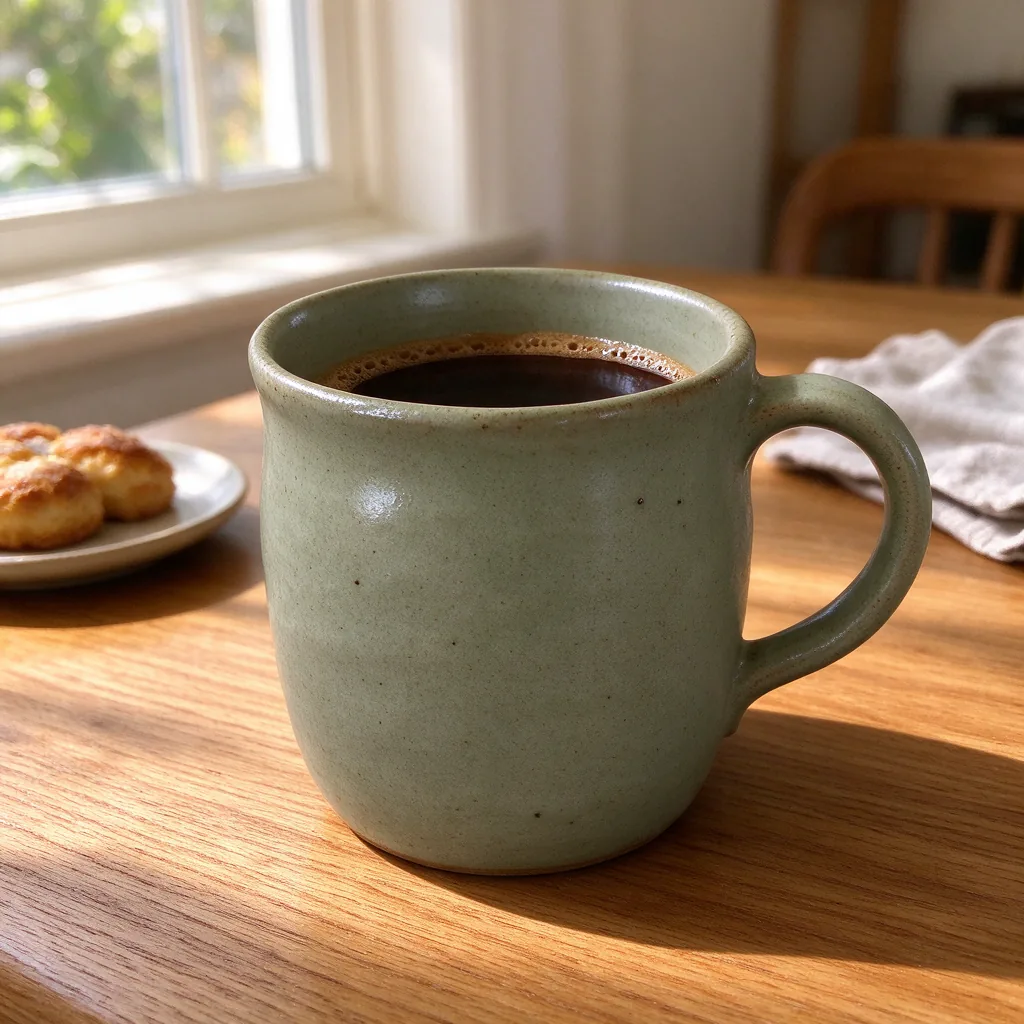 Lifestyle
 Christmas
How to use it
- Upload your productOpen the product studio and add one clear phone photo. Flash is already selected.
- Describe the sceneKeep the preset white background, or replace it with your own setting, props and light.
- Check the credit cost, then generateThe studio shows the cost (2 credits) before you press Generate. Failed requests are refunded automatically.
Writing a scene that works
Flash follows short, concrete scene descriptions well. Name the surface, the light and at most two or three props, for example “on a light oak table by a window, soft morning light, a folded linen napkin”. Keep the sentence that tells it to keep the product identical, and say “no added text or logos”. If a result changes the product, try a clearer source photo before rewriting the prompt: a sharp, evenly lit photo with the whole product in frame helps more than extra words.
Flash or Pro?
| Flash | Pro | |
|---|---|---|
| Credits | 1 | 2 (up to ~2.6 MP) or 3 (2K) |
| Largest size | 2K | 2K |
| Speed in our tests | About 10 s | About 80 s |
| Pick it for | Listing photos, trying scenes | Detailed, busy scenes and banners |
More on Seedream 5.0 Pro.
Honest limits
- Flash can change fine print, logos, stitching or small parts. Compare every result with the real item before you list it.
- Busy scenes with many props can look simpler than with Pro.
- The maximum on Stilllight is 2K and one image per request.
- Some marketplaces ask for an unedited photo or a note about AI edits; check the platform’s current rules.
- Model availability depends on our provider. If Flash is unavailable, the studio says so before you spend credits.