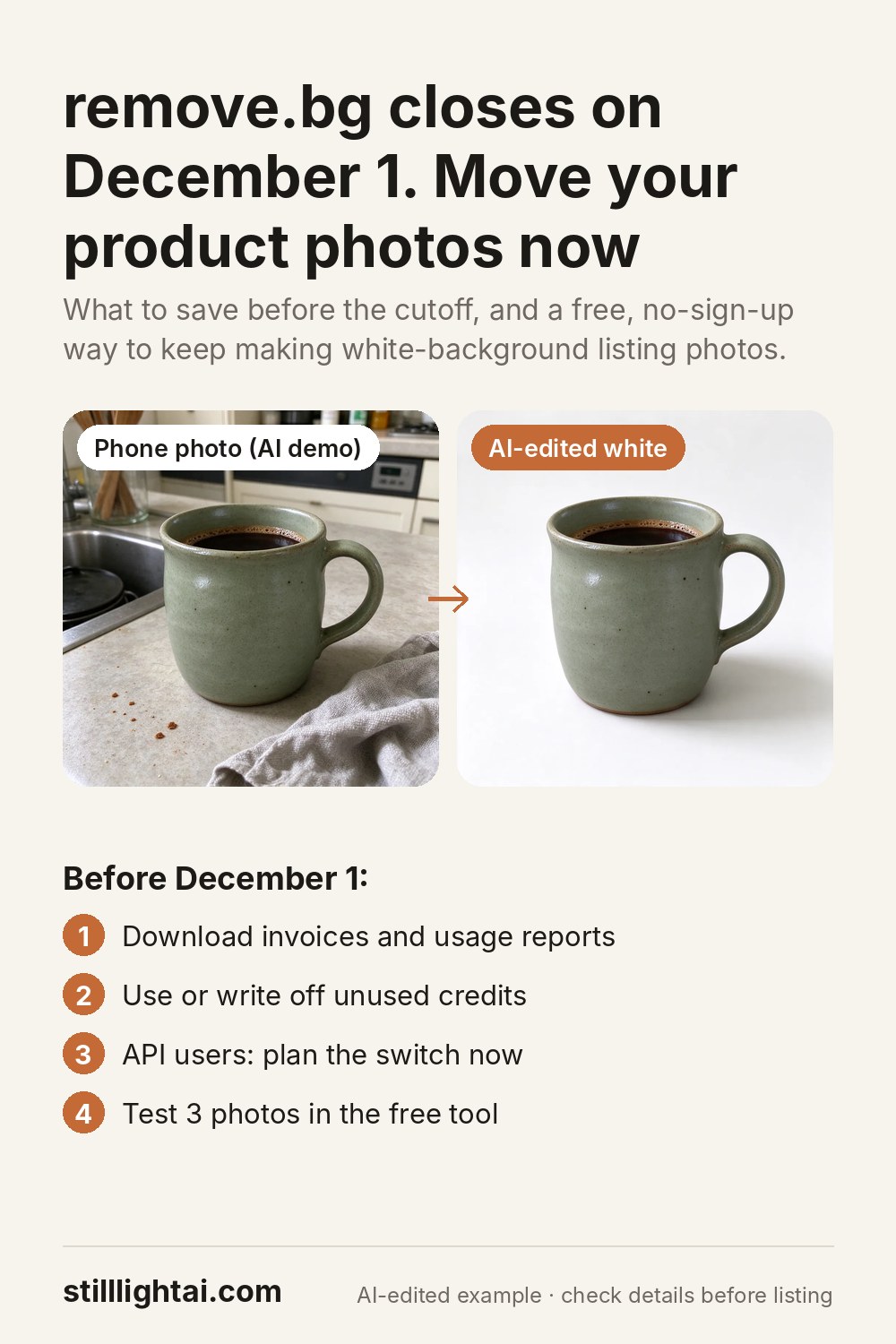
remove.bg is shutting down: move your product photo workflow before December 1.
remove.bg says its standalone website will no longer be available from 1 December 2026 at 9:00am CET, and that its background removal is moving into Canva. Before that date, download the invoices and usage reports you need, use any pay-as-you-go credits, and if you call the API, start your switch now. Then pick where you will make white-background photos next: Canva, a free in-browser tool, or another remover.
Try it free on your product photo
Only need a white background? Use the free tool
The free tool: 3 photos a day with no sign-up; unlimited with a free account. No upload, no watermark: your photo stays on your device.
 Before
 White background
What is changing, according to remove.bg
These points come from remove.bg’s own FAQ about the move to Canva. remove.bg has been part of Canva since 2021, when its maker Kaleido joined the company. Details can change, so read remove.bg’s notice yourself before you rely on them.
- The website and accounts close on 1 December 2026 at 9:00am CET. The self-service API, the Photoshop plugin, the desktop app and other integrations go with them.
- Enterprise API contracts continue. If you have one, talk to your account contact.
- Unused pay-as-you-go credits expire on 1 December 2026.
- Annual subscriptions end at the cutoff. Check remove.bg’s notice for how any unused time is refunded. Monthly plans also end then.
- Invoices and credit usage reports can be downloaded from your Account page only until the cutoff.
remove.bg points single images and bulk batches to Canva’s Background Remover, and automated API work to the Leonardo.Ai API. Don’t count on old files moving across: keep local copies of any cut-outs you still use.
Where to go next
Canva
The official destination. remove.bg says Canva’s Background Remover uses the same technology, and you can design the rest of your listing images in one place. It has been a Canva Pro feature, so check Canva’s current plans. A good fit if you already pay for Canva.
Stilllight free white background tool
Runs in your browser: no upload, no watermark, and 3 free photos a day with no sign-up (unlimited with a free account). It removes the background and centres the product on pure white, ready to download as a 2000×2000 square, a 4:3 image for Etsy, or a transparent PNG. Signed in, it does up to 20 photos at once and downloads them as one ZIP.
Other removers
Adobe Firefly, Photoroom and the cut-out tools built into iPhone and Mac all work, with different costs and limits. We compared them in remove.bg alternatives for product photos.
API and automation
A browser tool will not replace an API call in your shop scripts. Follow remove.bg’s migration guidance for the Leonardo.Ai API, or ask about Enterprise terms, and test with real product photos before December.
Move your workflow in 10 minutes
- Open your remove.bg Account page and download the invoices and credit usage reports you may need for your books.
- Save the cut-outs you still use from your computer or shop files into one folder, so nothing depends on remove.bg.
- Check your credit balance and plan. Use pay-as-you-go credits before 1 December; if you pay yearly, check remove.bg’s notice for how unused time is refunded.
- If you use the API or a plugin, list every script, app or Photoshop action that calls it, and pick its replacement.
- Test three typical product photos in the free white background tool or in Canva, and zoom to 100% on the edges.
- Bookmark the tool that passed and update any team notes or checklists that still say remove.bg.
Where Stilllight’s free tool is weaker
It is honest to say this up front. The free tool uses a small model that runs on your own device, so it is fast and private but not as strong as a large server model. Fine hair, thin chains, glass, see-through packaging and busy backgrounds can come out rough, and it keeps only the main product when several items are in the frame.
For those photos, the Stilllight AI editor redraws the whole shot with clean edges and a soft shadow instead of cutting it out. You get 3 free credits to start, no sign-up needed, and paid credit packs start at $4.90. AI can change small details such as fine print, so compare the result with your real product before you list it.
Questions
Is remove.bg really shutting down?
remove.bg’s own FAQ says the standalone remove.bg website will no longer be available from 1 December 2026 at 9:00am CET and that its background removal is moving to Canva. remove.bg has been part of Canva since 2021. Check remove.bg’s notice for the latest details.
What happens to my unused remove.bg credits?
According to remove.bg’s FAQ, unused pay-as-you-go credits expire on 1 December 2026, and annual subscriptions end at the cutoff. Check remove.bg’s notice for how any unused time is refunded. Use your credits before then and check your Account page for your own balance.
What should remove.bg API users do?
remove.bg says the self-service API closes with the website, while Enterprise API contracts continue. For automated, high-volume work it points developers to the Leonardo.Ai API, which needs a new integration. Start testing the replacement well before December.
Is Canva’s background remover free?
Canva’s one-click Background Remover has been a paid Canva Pro feature. Check Canva’s current plans before you rely on it.
Is there a free remove.bg alternative with no sign-up?
Yes. Stilllight’s free white background tool runs in your browser, does 3 photos a day with no sign-up (unlimited with a free account), adds no watermark and does not upload your photo. It exports a 2000×2000 white square, a 4:3 image for Etsy or a transparent PNG. With a free account (no card) it has no daily limit and handles up to 20 photos at once. It is best for one product on a plain surface.
Sources: remove.bg FAQ about the move to Canva (remove.bg/faq); Kaleido’s announcement “Kaleido is joining the Canva family” (23 February 2021). Checked 27 October 2026.
Try it free on your product photo
Only need a white background? Use the free tool
The AI studio: 2 free watermarked previews a day without an account, 3 free credits to start, no sign-up or card needed.
Save this guide for later