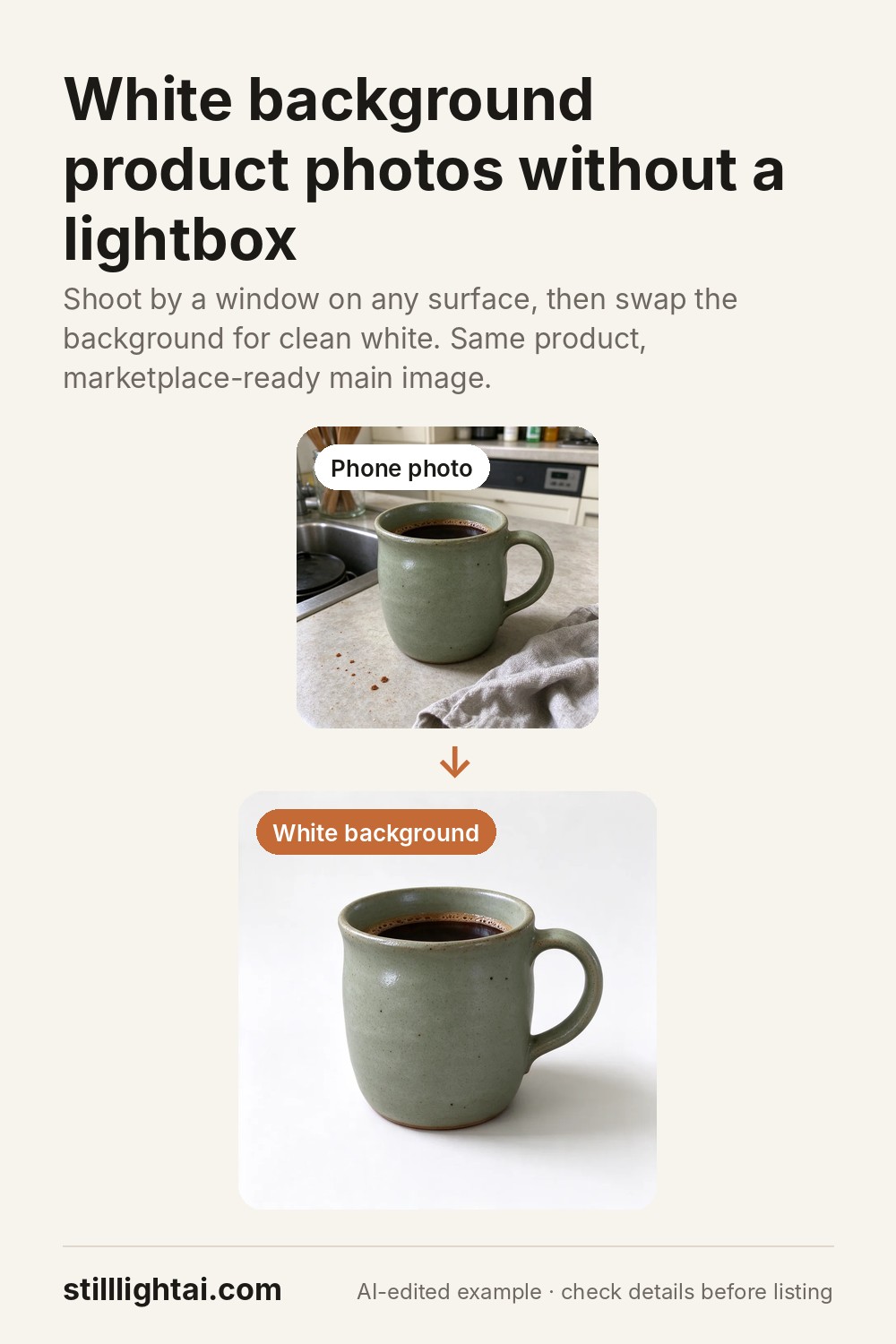
A clean white-background product photo, without a lightbox.
The white-background shot is usually the first image a shopper sees. Here is what makes a good one, how to shoot the source photo with a phone, and how to turn it into a listing-ready image in under a minute.
Try it with your product photo
3 free credits when you sign up, no card required. Paid credits start at $4.90 and include commercial use. The exact credit cost is shown before you generate.
 Before
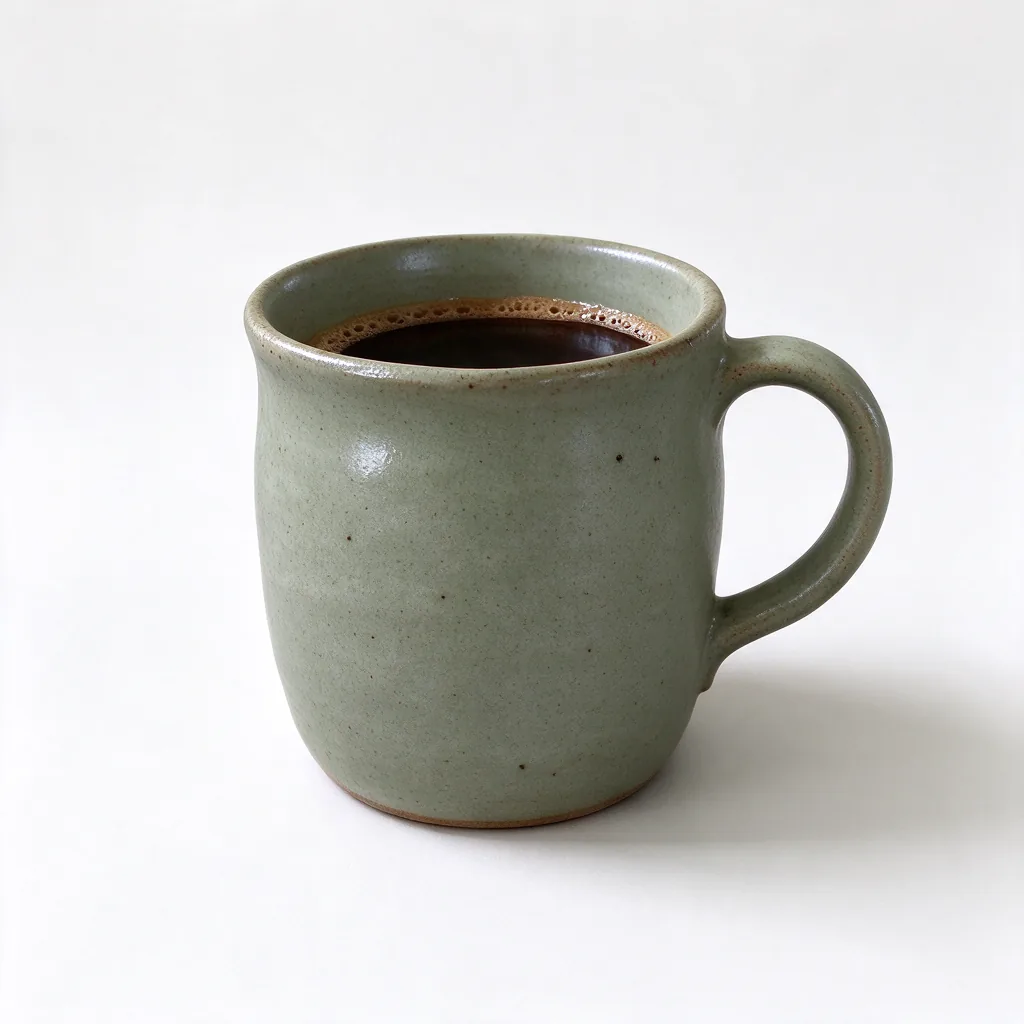 White background
 Lifestyle scene
Why the main image is usually on white
A plain white background puts all the attention on the product, makes thumbnails look consistent in search results, and avoids distracting colour casts. Amazon’s product image rules ask for a pure white background on the main image, and many Etsy and Shopify sellers use the same style for their first photo so their shop looks tidy. Always check your marketplace’s current image guidelines before you publish.
What a good white-background photo needs
The product, unchanged
Same shape, colour, label and printed text as the real item. Shoppers notice when the photo does not match what arrives.
Even, soft light
No harsh glare, no dark side. A gentle shadow under the product keeps it from looking cut out and floating.
Centred and fully visible
Nothing cropped off, with a little space around the edges so the marketplace can fit it into square thumbnails.
Nothing extra
No props, text, badges or watermarks on the main image. Save those for the other photos.
How to shoot the source photo with your phone
- Use daylight. Stand near a window, turn off overhead lights, avoid direct sun.
- Fill the frame. Get the whole product in, slightly larger than you think, with a little room around it.
- Keep it sharp. Tap to focus on the product, hold the phone steady, and skip digital zoom.
- Plain is easier. A table or wall behind the product gives the cleanest edges, but a busy kitchen counter still works.
Turn it into a white-background shot
- Upload your photoOpen the studio with the product preset and add your phone photo as the reference.
- Keep the instructionThe preset already tells the editor to keep your product identical and place it on white with a soft shadow.
- Generate and checkZoom in on logos, small print and edges. If anything changed, generate again or describe what to keep.
Place this exact product on a clean white studio background for an online store listing. Keep the product identical: same shape, colours, materials, label, printed text and proportions. Soft even lighting, a gentle natural shadow under the product, product centred and fully visible. No extra objects, no added text or logos.
Questions
Is the background pure white (#FFFFFF)?
The result is a bright, clean studio white, but AI images are not guaranteed to be exactly #FFFFFF in every pixel. If your marketplace requires pure white, run a quick levels or “white point” adjustment in any photo editor before uploading.
Will my product change?
The editor is instructed to keep it identical and usually does, but fine print, logos and tiny details can drift. Always compare with the real product before publishing.
Can I use the image in my store?
Yes, after buying any credit pack or with an active Creator or Studio plan. Images made with the free sign-up credits are for personal use.
Try it with your product photo
3 free credits when you sign up, no card required. Paid credits start at $4.90 and include commercial use. The exact credit cost is shown before you generate.
Save this guide for later