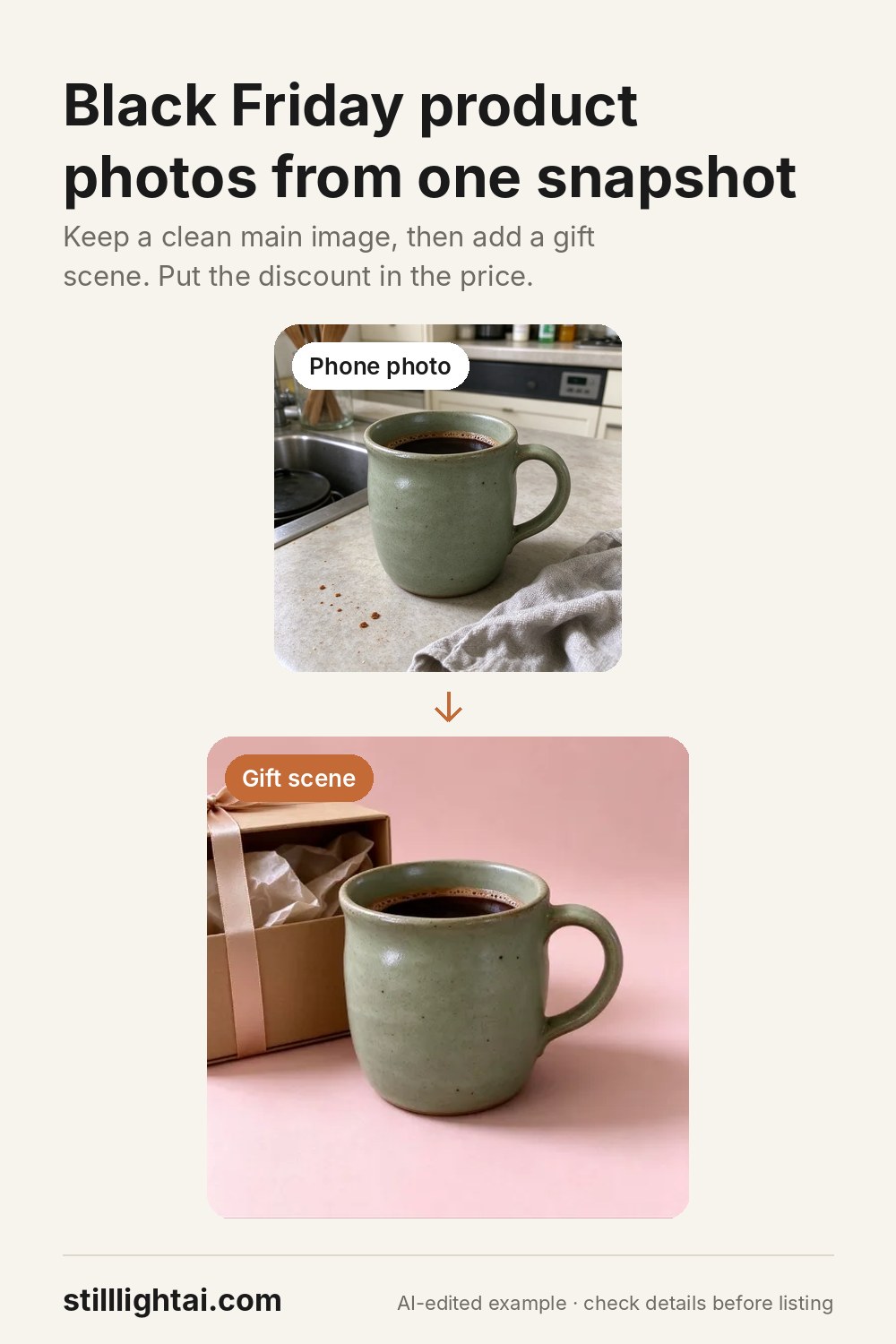
Black Friday product photos: what to shoot and what to skip
For Black Friday, keep your main image a clean, accurate photo of the product, then add one gift-ready scene and one scale or detail shot as extra images. Put the discount in your shop’s sale tools, not in the photo, so your pictures stay correct after the sale ends. Black Friday 2026 is Friday 27 November and Cyber Monday is 30 November.
Try it free on your product photo
Only need a white background? Use the free tool
The free tool runs in your browser with no watermark: 3 photos a day with no sign-up, unlimited with a free account. For a gift scene, open the AI studio: 2 free watermarked previews a day without an account, 3 free credits to start, no sign-up or card needed. Paid credits start at $4.90 and include commercial use.
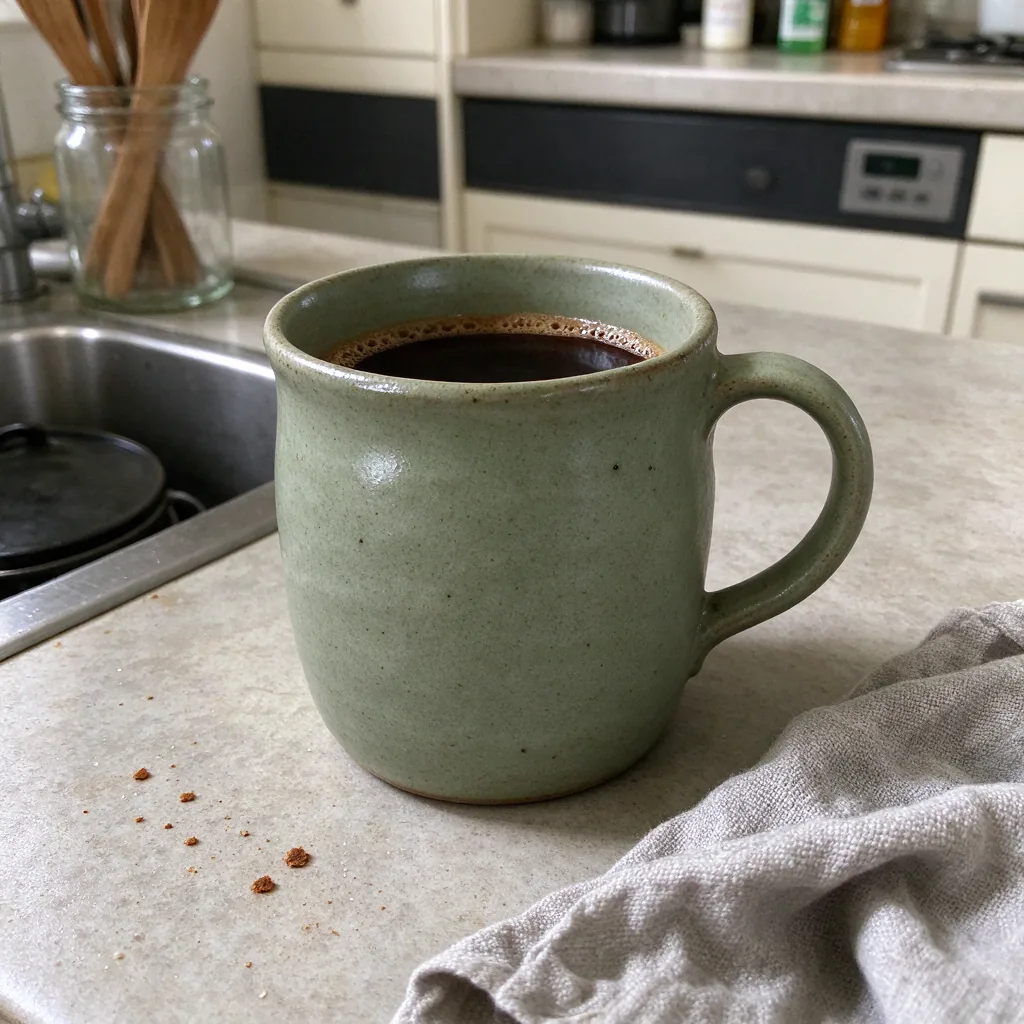 Phone photo
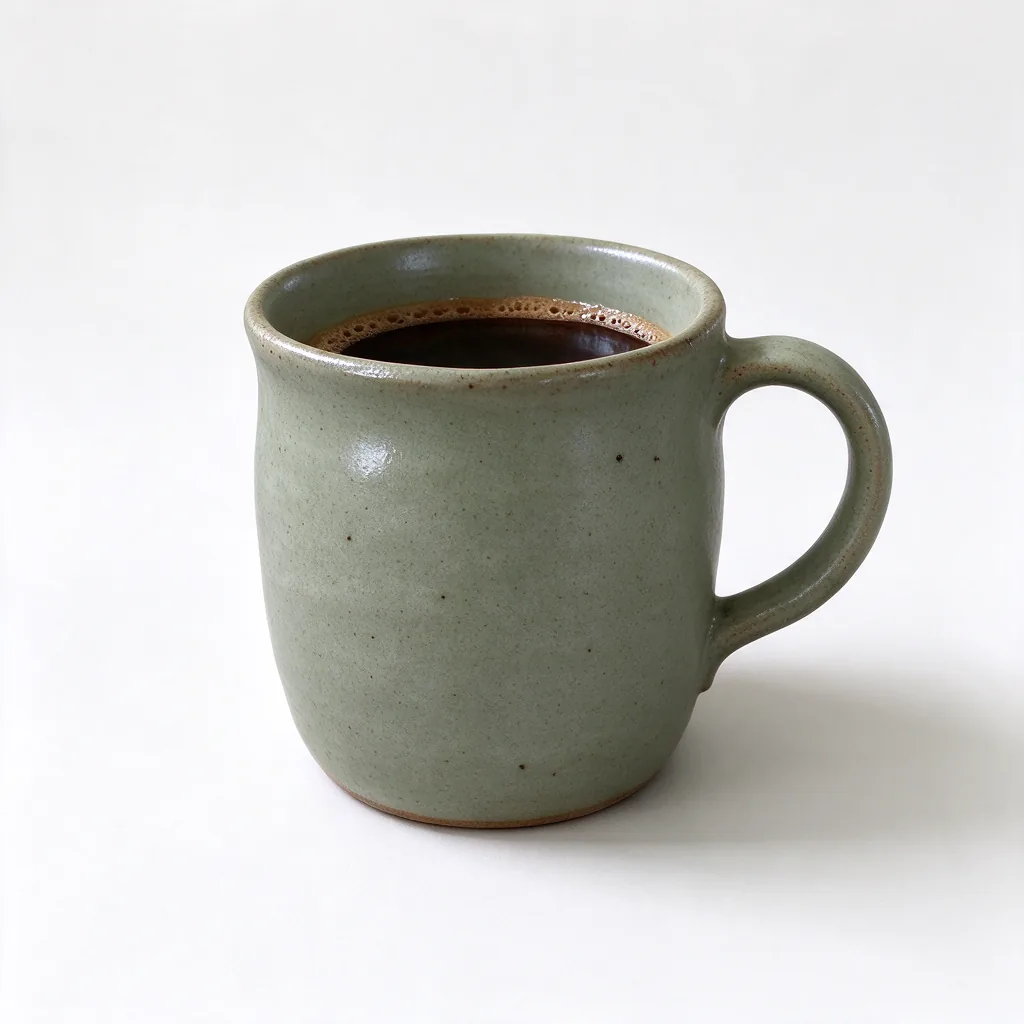 Main image
 Gift scene
Why sale photos are different from everyday photos
During Black Friday week shoppers compare many listings quickly, often on a phone, and many are buying gifts. Your photos have two jobs: make the product instantly recognisable in a crowded search grid, and help a gift buyer picture handing it over. You do not need a new photoshoot for that.
The photo set for a sale listing
| Slot | Photo | Why it helps |
|---|---|---|
| 1. Main image | The product alone on a plain light or white background, filling most of the frame | Reads clearly as a small thumbnail. On Amazon a pure white main image is required. |
| 2. Gift scene | The product with wrapping, a gift box or ribbon | Helps gift buyers imagine giving it. Use it as an extra image on marketplaces. |
| 3. Scale | The product in a hand, on a table or next to a common object | Answers “how big is it?” before the buyer has to ask. |
| 4. Detail | A close-up of texture, stitching, glaze or print | Shows quality, which matters more when the price is the headline. |
| 5. What’s included | Everything the buyer receives, laid out flat | Avoids disappointment if the gift scene shows props that are not part of the sale. |
Put the discount in the price, not in the picture
It is tempting to add a “30% OFF” badge to your photos. A discount baked into an image is easy to forget about: it can stay on the listing long after the sale ends and show a price that is no longer true. Use the sale tools your platform already has, and keep the photos timeless.
- Etsy: set up a sale or coupon from Shop Manager. Etsy also runs a Cyber Week sales event for shops that schedule a qualifying discount; check the Seller Holiday Checklist for this year’s dates and minimum discount.
- Shopify: enter the original price in Compare-at price and the sale price in Price, and the store shows the reduction for you.
- Amazon: the main image may not contain text, badges or logos. See our Amazon main image requirements guide.
Platform rules change. Please check each platform’s latest rules before you rely on them.
Make Black Friday sale graphics for your own products: the promo pack
Your shop’s discount does belong somewhere: in your Instagram post, your Story, your Pinterest pin and your shop banner. The Stilllight promo pack is a tool to promote your own sale: it turns your finished product photos into graphics with your headline, your discount and your code, in five sizes: Instagram / Facebook post (1080 × 1080), Story / Reels / TikTok cover (1080 × 1920), website or Shopify banner (1920 × 640), Etsy shop banner (3360 × 840) and Pinterest pin (1000 × 1500).
The AI only makes the photo. Your text is typeset by the page itself, letter for letter as you typed it, so there are no garbled AI letters, and each line is measured and shrunk to fit inside the safe area (Stories keep text clear of the top and bottom app bars). The graphics are drawn in your browser and use no credits.
 Your phone photo
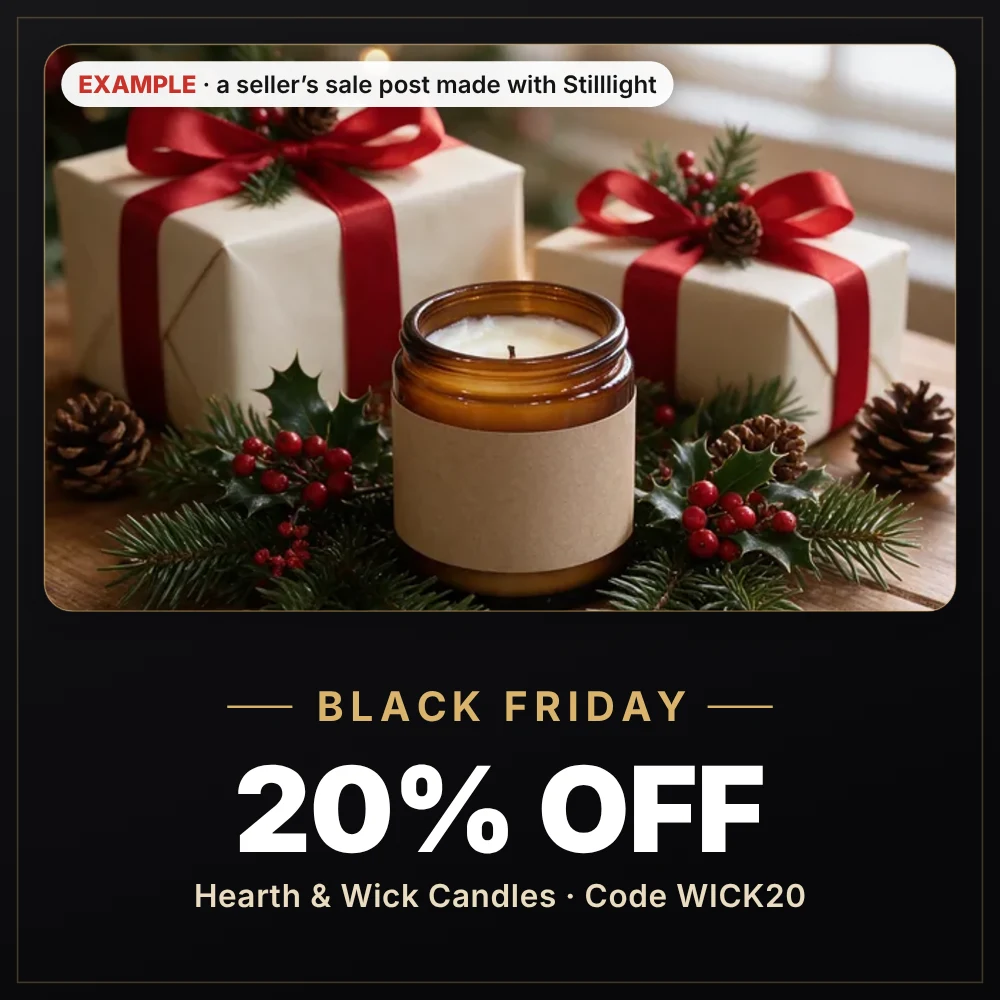 Your Black Friday post
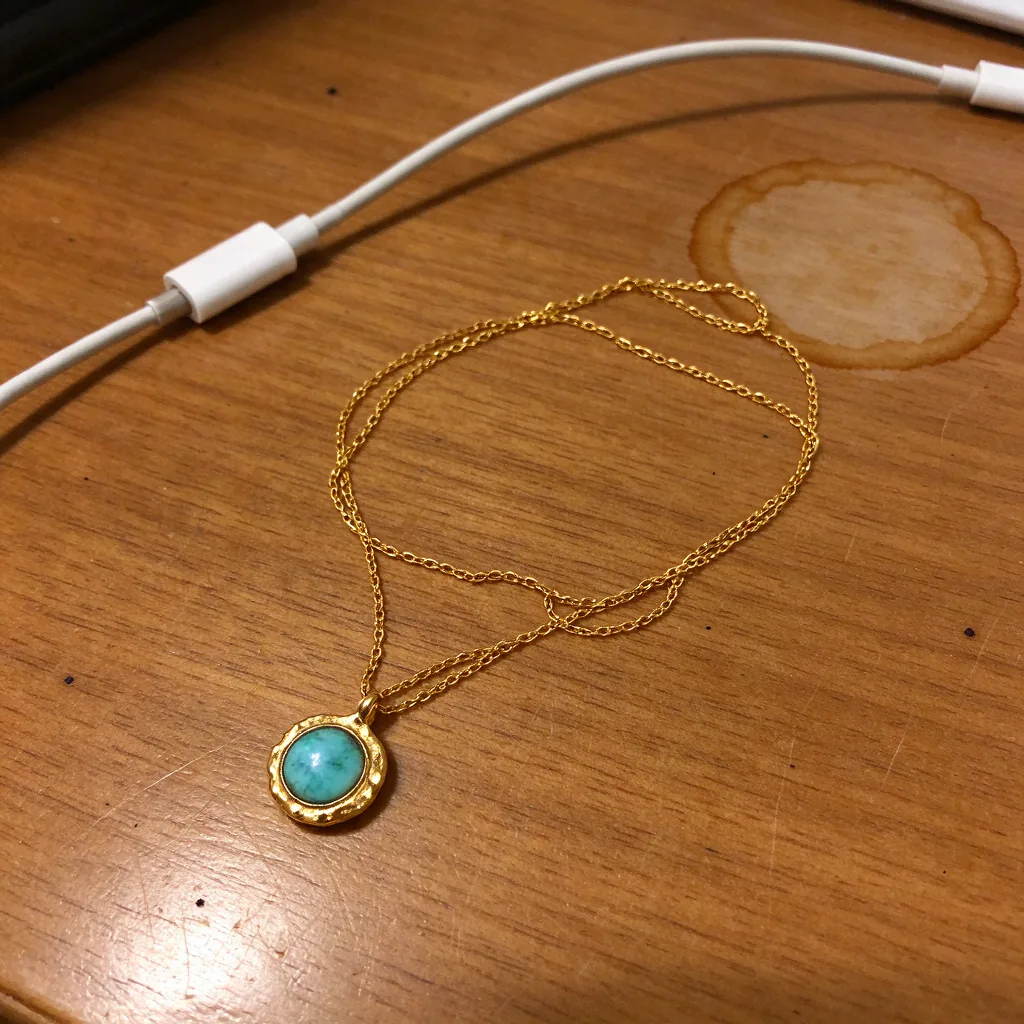 Your phone photo
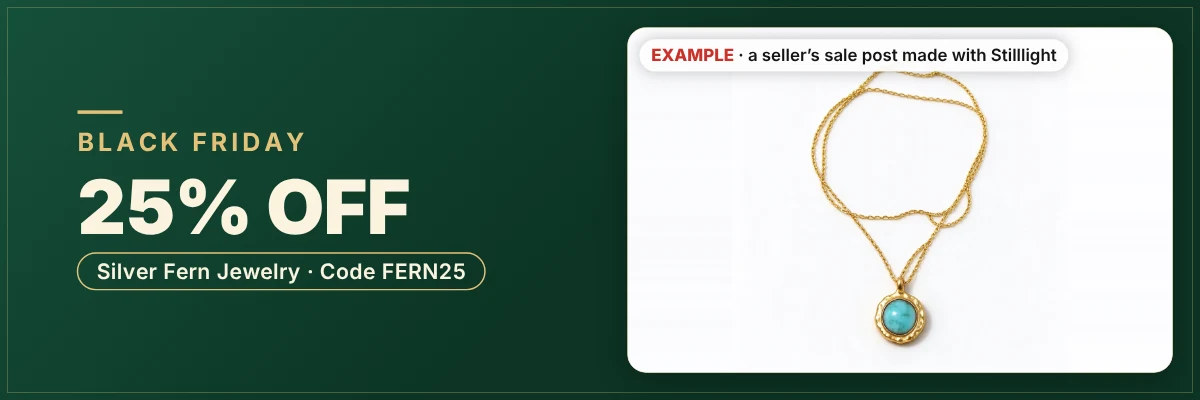 Your Black Friday banner
Examples only: Hearth & Wick Candles and Silver Fern Jewelry are made-up shops, and the discounts are theirs, not a Stilllight offer. The photos and graphics were made with Stilllight; fonts follow your device.
How it works
- Make your photosIn the AI studio, upload one product photo and make a listing set (white main image, lifestyle, holiday and gift scene) or a single scene.
- Open the promo packPress Make promo pack under your listing set, or Promo pack under any finished image. Pick Black Friday, Cyber Monday, Holiday Sale or your own headline, replace the example discount and code with your shop’s own offer, and choose one of four colour themes.
- Download and postCheck the live previews and download each size, or all five as one ZIP with a credit pack. An image made before you sign up carries a watermark, and so do graphics made from it, until you sign up free.
Keep promo text off your marketplace main image: Amazon does not allow it, and on Etsy your first photo is the thumbnail shoppers see in search, so keep it a clean product photo. Use these graphics for social posts, ads and your shop banner.
How to make the photos from one phone snapshot
- Shoot one good source photoDaylight from a window, a plain surface, the whole product in frame and in focus. Wipe off dust and fingerprints first.
- Make the clean main imageDrop the photo into the free white background tool and download a white 2000×2000 square, or a 2667×2000 version for Etsy.
- Add a gift sceneOpen the AI studio with the product preset, upload the same photo and use the instruction below. Try a free watermarked preview before you spend a credit.
Ready-made instruction for a gift scene
Place this exact product next to a kraft-paper gift box with a satin ribbon on a soft blush-pink background, gentle daylight from the left, clean and minimal. Keep the product identical: same shape, colours, materials, text and proportions. Product sharp, centred and fully visible. No added text, prices, badges or logos.
Want something wintry instead? Our Christmas product photos guide has a fairy-light gift-table version. A neutral gift scene like this one works from Black Friday through December, so you only need to update once.
Check before you list
- Compare with the real product. AI can change small text, logos, colours and fine patterns. Zoom in and fix or reshoot anything that drifted.
- Make props obvious. If the box, ribbon or mug of coffee is not included, say what the buyer actually receives in the description, and add the “what’s included” photo.
- Follow AI disclosure rules. On Etsy, keep at least one unedited photo of the real item and mention AI edits. See AI photo rules for Etsy and Amazon.
Questions
When is Black Friday 2026?
Black Friday 2026 is Friday 27 November, the day after US Thanksgiving. Cyber Monday is Monday 30 November.
Should I put “Black Friday sale” text on my product photos?
Usually not. Text on photos can stay up after the sale ends and show a price that is no longer true, and Amazon does not allow text on the main image. Use your platform’s sale or compare-at price tools instead.
Should my Black Friday photo be the main image?
Keep a clean, accurate product photo as the main image, especially on Amazon, where it must have a pure white background. Add the gift scene as the second or third image.
Can I make Black Friday product photos without a photoshoot?
Yes. Take one clear phone photo, make a white main image with the free white background tool, then use an AI editor to place the same product in a gift scene. Always compare the result with the real product before listing.
Sources
- Etsy Seller Handbook: Seller Holiday Checklist
- Etsy Help: How to set up sales and discounts for your shop
- Shopify Help Center: Sale pricing (compare-at price)
- Amazon Seller Forums: Product Photography Standards
Checked 26 October 2026. Rules change, so check the source before you rely on them.
Try it free on your product photo
Only need a white background? Use the free tool
Save this guide for later