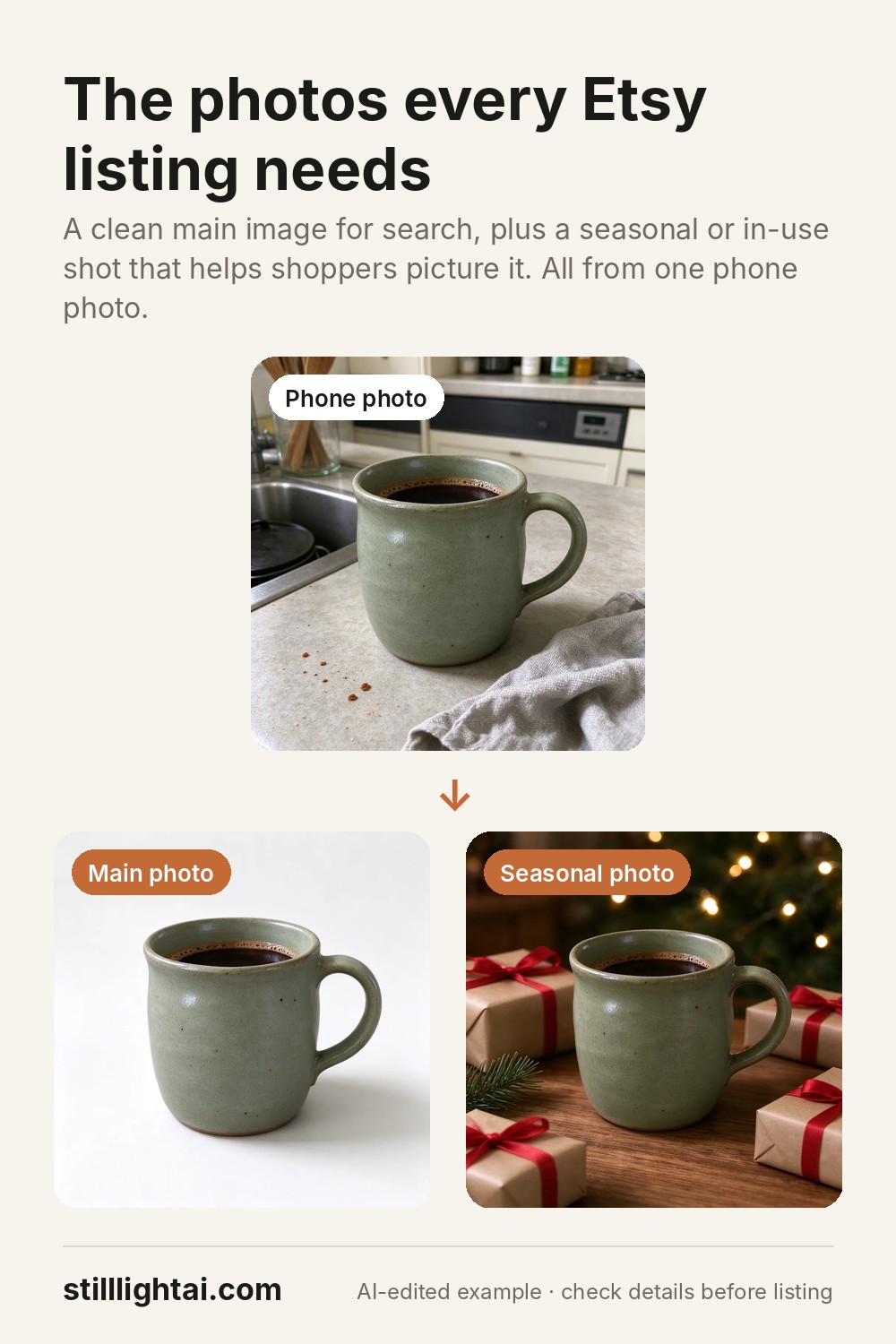
Etsy product photo tips: the shots that sell.
On Etsy, photos do most of the selling. Shoppers scroll a grid of thumbnails and click the one that looks clear, trustworthy and appealing. You do not need a studio to get there. You need the right set of shots and a good phone photo to start from.
Try it with your product photo
3 free credits when you sign up, no card required. Paid credits start at $4.90 and include commercial use. The exact credit cost is shown before you generate.
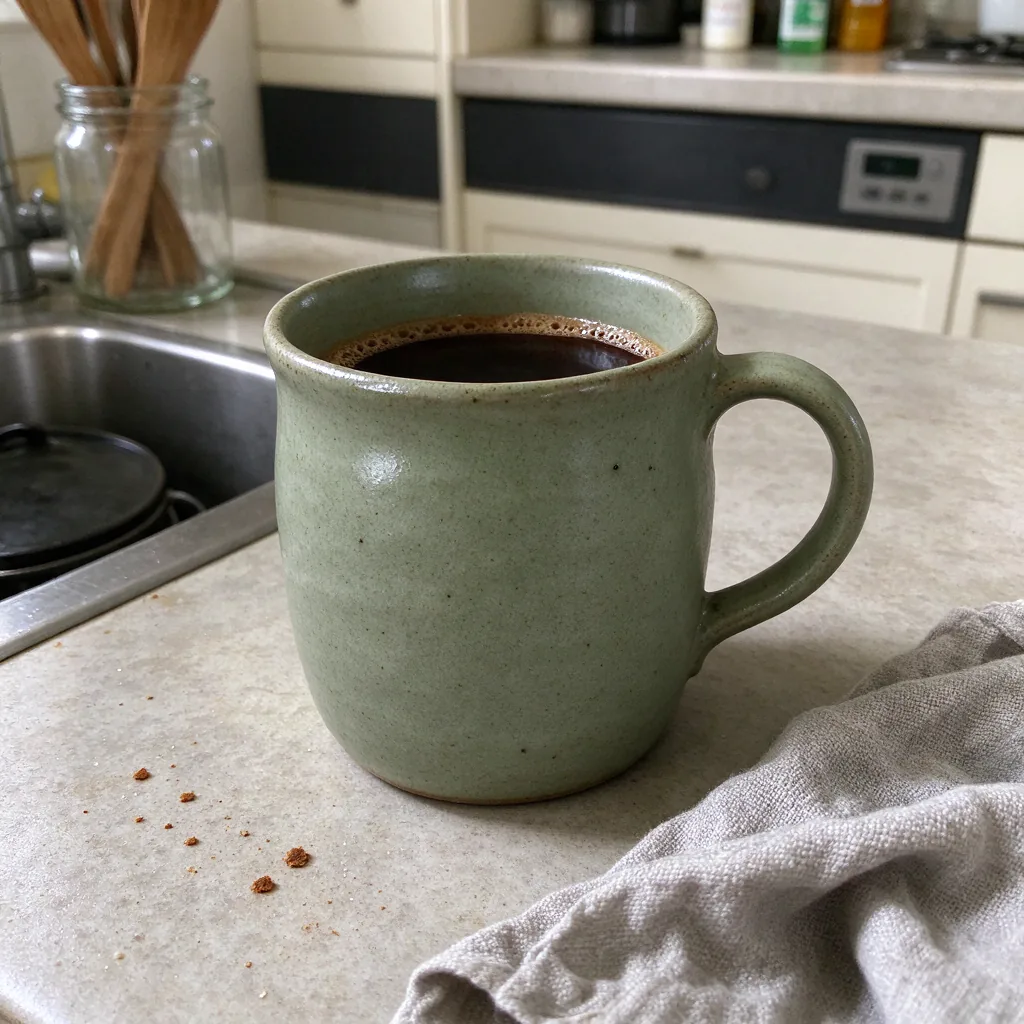 Before
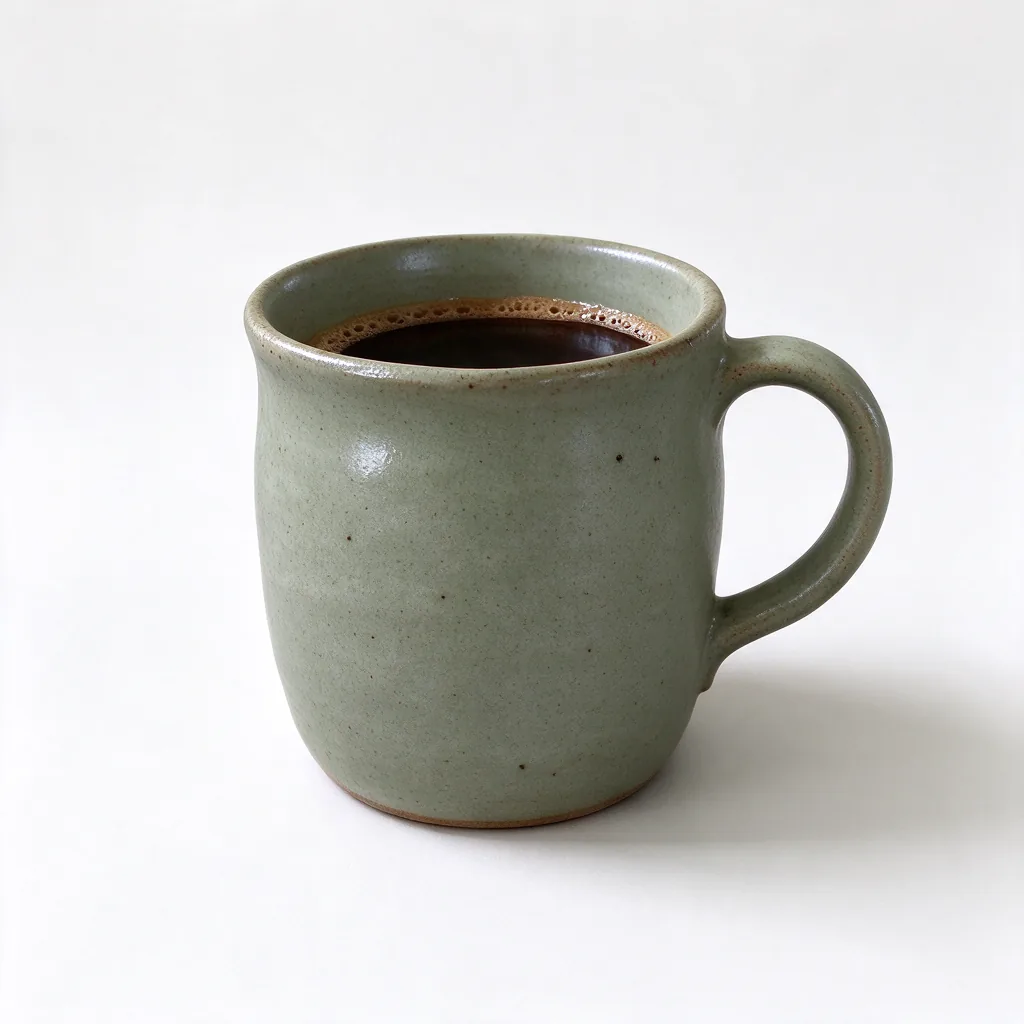 White background
 Lifestyle scene
The photo set every listing should have
- A clean first photo. The product alone on a plain light background. This is your thumbnail, so it must read clearly at small sizes.
- A lifestyle shot. The product in use or in its setting: a mug on a breakfast table, a necklace being worn, a print on a wall.
- Scale. Show it next to a hand or a familiar object so shoppers understand the size.
- Details. Close-ups of texture, stitching, glaze, engraving or materials.
- Variations. Each colour or option, shown the same way.
- Packaging or gifting. Especially before holidays, show how it arrives.
Shoot better source photos with your phone
Light
Shoot near a window in daylight. Turn off yellow indoor lights so colours stay true.
Consistency
Use the same angle and background for all variations so your shop looks like a collection.
Focus
Tap on the product to focus, hold steady, and avoid digital zoom.
Honesty
Colours and details should match what the buyer receives. It protects your reviews.
Where AI helps, and where to be careful
An AI editor can turn one phone photo into a white-background first image and a lifestyle scene in under a minute, which saves a reshoot for every new background. Stilllight’s product preset tells the editor to keep the product identical and only change the scene.
Be careful with two things. First, check fine details such as logos, text and small patterns, because AI can alter them; if it does, regenerate or keep your real photo for the detail shots. Second, keep at least one real, unedited photo of the item in each listing so buyers can trust what they see.
Try it on one listing
- Pick your weakest listingChoose one with a busy or dim first photo.
- Make two new shotsA white-background first image and one lifestyle scene from the same phone photo.
- CompareSwap the first photo and watch views and favourites over the next couple of weeks.
Try it with your product photo
3 free credits when you sign up, no card required. Paid credits start at $4.90 and include commercial use. The exact credit cost is shown before you generate.
Save this guide for later