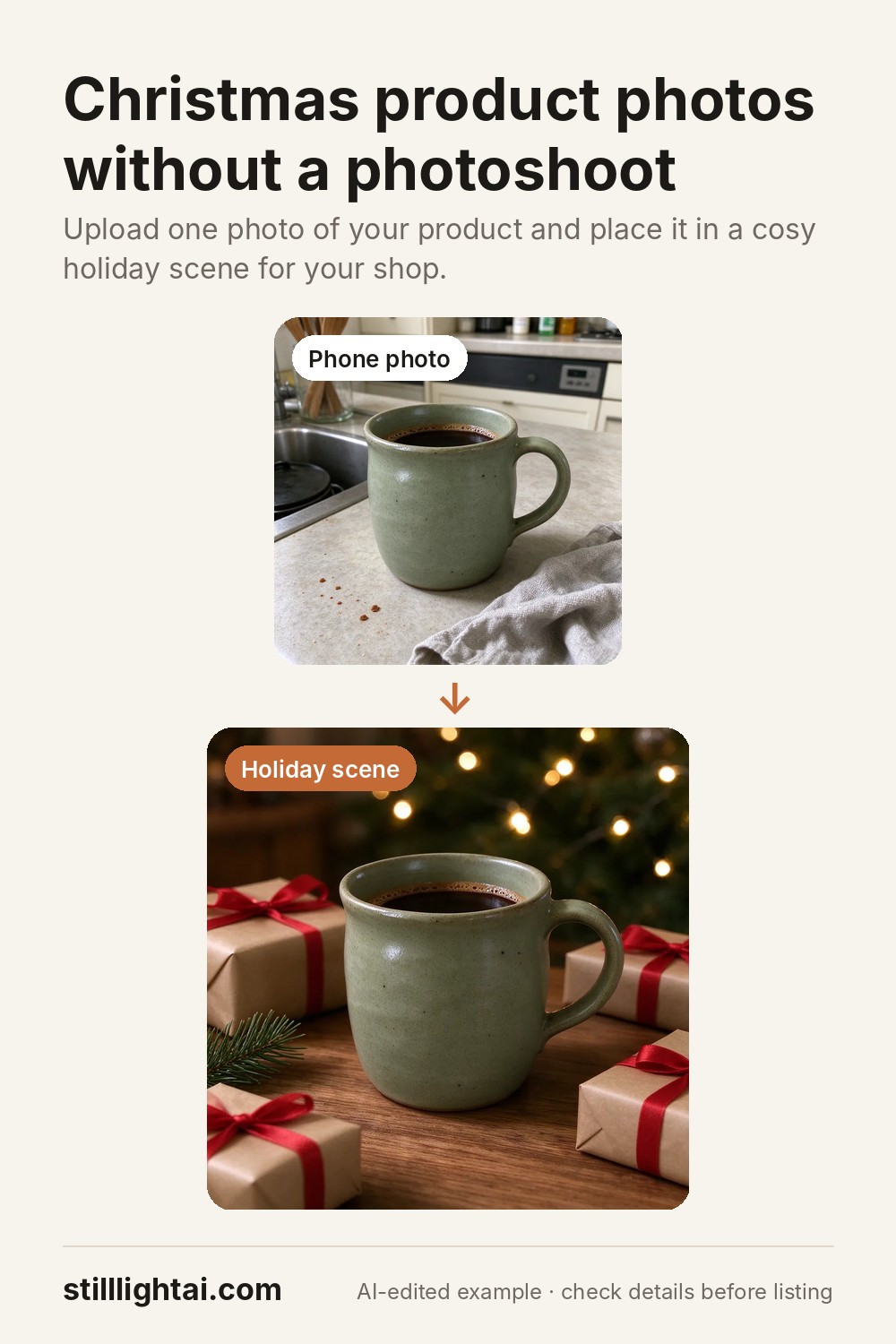
Christmas product photos, without a holiday photoshoot.
Holiday shoppers browse gift ideas, and a festive photo helps them imagine your product under the tree. Instead of buying props and reshooting every listing, make a seasonal shot from the phone photo you already have.
Try it with your product photo
3 free credits when you sign up, no card required. Paid credits start at $4.90 and include commercial use. The exact credit cost is shown before you generate.
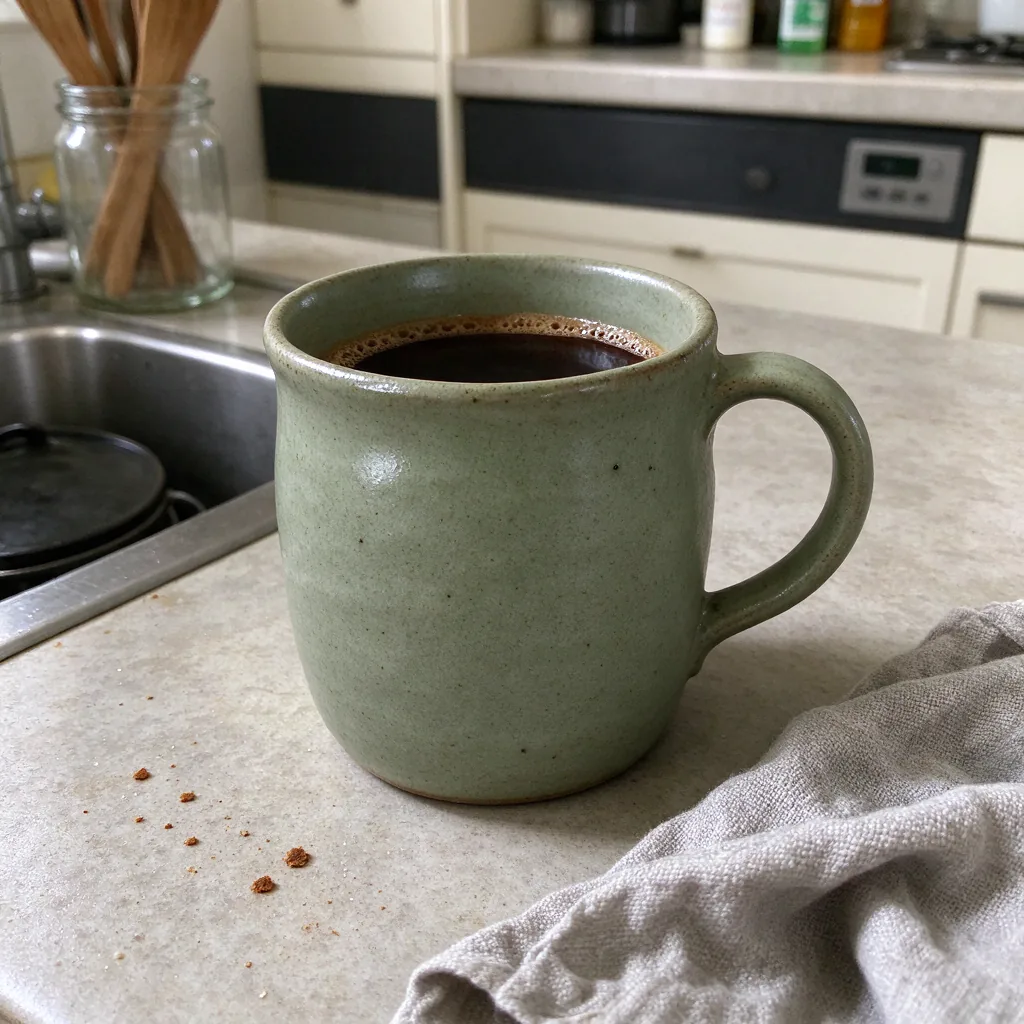 Before
 Christmas scene
Holiday scenes that work for gift shoppers
Gift table
Kraft-paper presents, red or green ribbon and a pine sprig around your product.
Fairy-light glow
Warm, blurred lights in the background for a cosy evening feel.
Winter morning
Soft daylight, a knitted throw or a frosted window for products that are not strictly Christmas.
Tips for holiday listings
- Keep your main image clean. Marketplaces often expect a plain first photo, so add the festive shot as photo two or three, or as a temporary first photo if your marketplace allows it.
- Show it as a gift. Wrapping, a gift tag or a ribbon helps shoppers see it as a present.
- Stay accurate. Props in the scene should not look like they are included in the sale. Mention in the description what the buyer actually receives.
- Update early. Shoppers start gift browsing well before December, so swap holiday photos in early in the season.
Ready-made instruction
Place this exact product in a cosy Christmas gift scene: on a wooden table with a few wrapped presents with kraft paper and red ribbon, a small pine sprig and soft warm fairy lights blurred in the background, evening glow. Keep the product identical: same shape, colours, materials and proportions. Product sharp, centred and fully visible. No added text or logos.
Open the studio with the product preset, upload your photo, then paste this instead of the white-background text.
Try it with your product photo
3 free credits when you sign up, no card required. Paid credits start at $4.90 and include commercial use. The exact credit cost is shown before you generate.
Save this guide for later