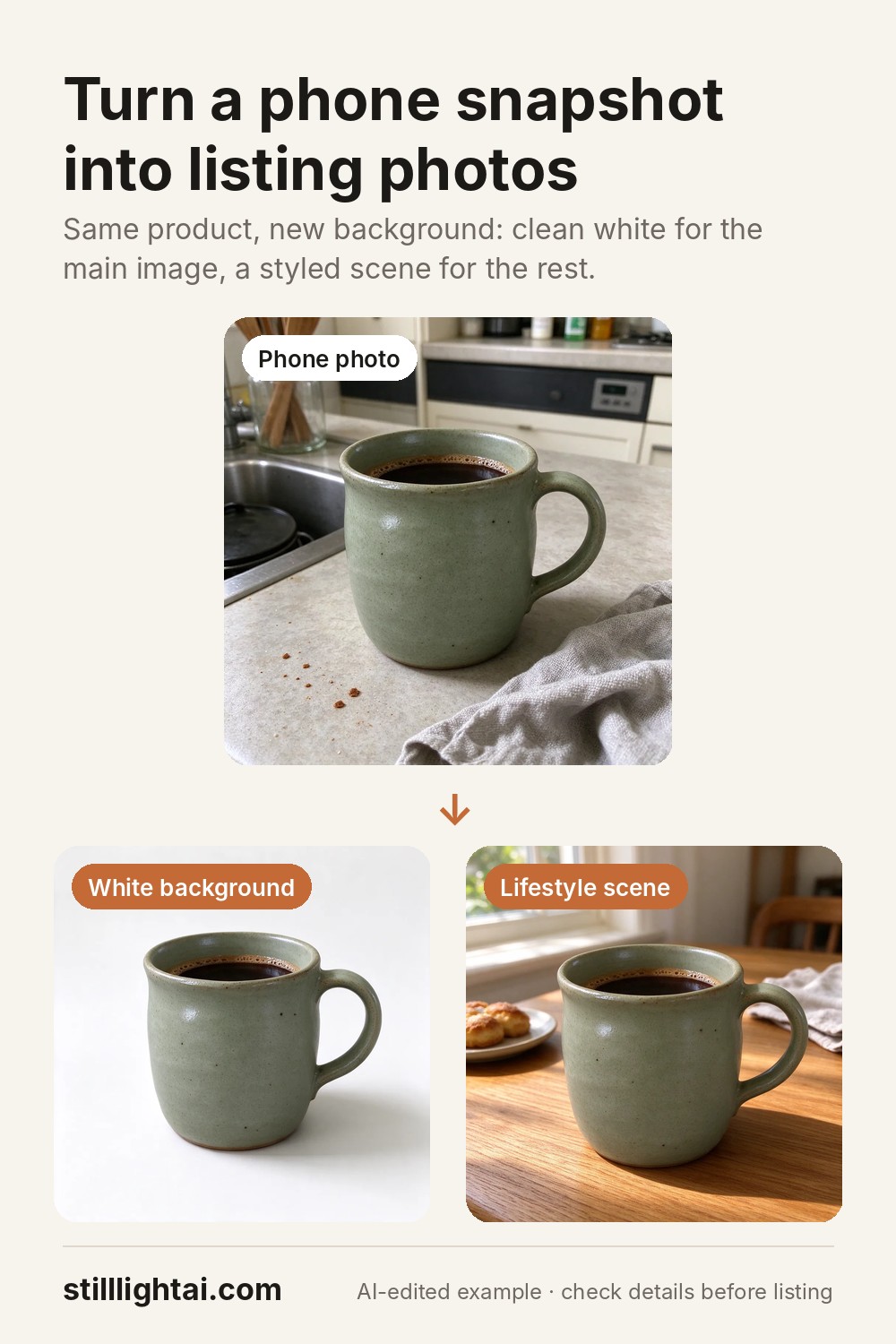
Your phone photo in. A listing-ready product shot out.
Upload a quick snapshot of your product. Stilllight places the same product on a clean white background, in a lifestyle scene, or in a seasonal setup. No studio, no photographer.
Upload a product photo3 free credits when you create an account. No card required. A standard product shot uses 1–2 credits, and the exact cost is shown before you generate.
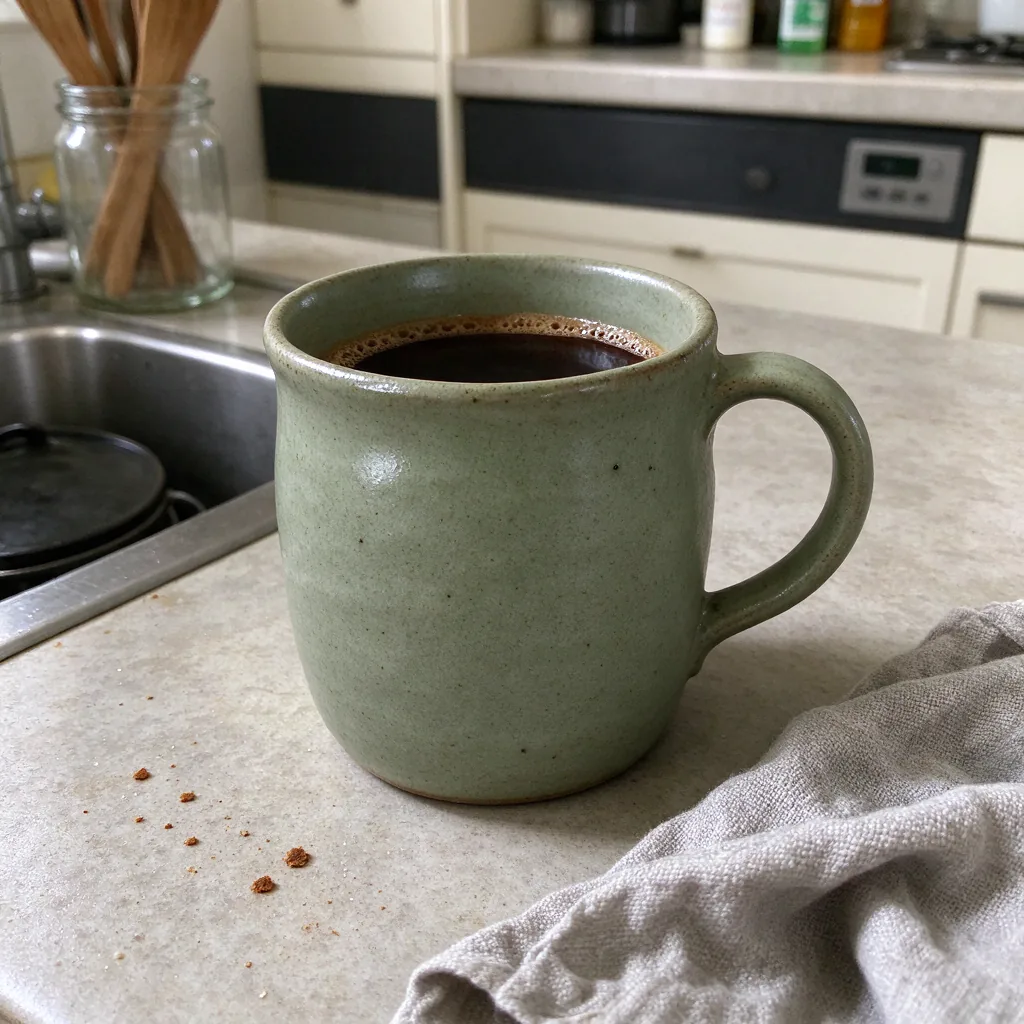 Before
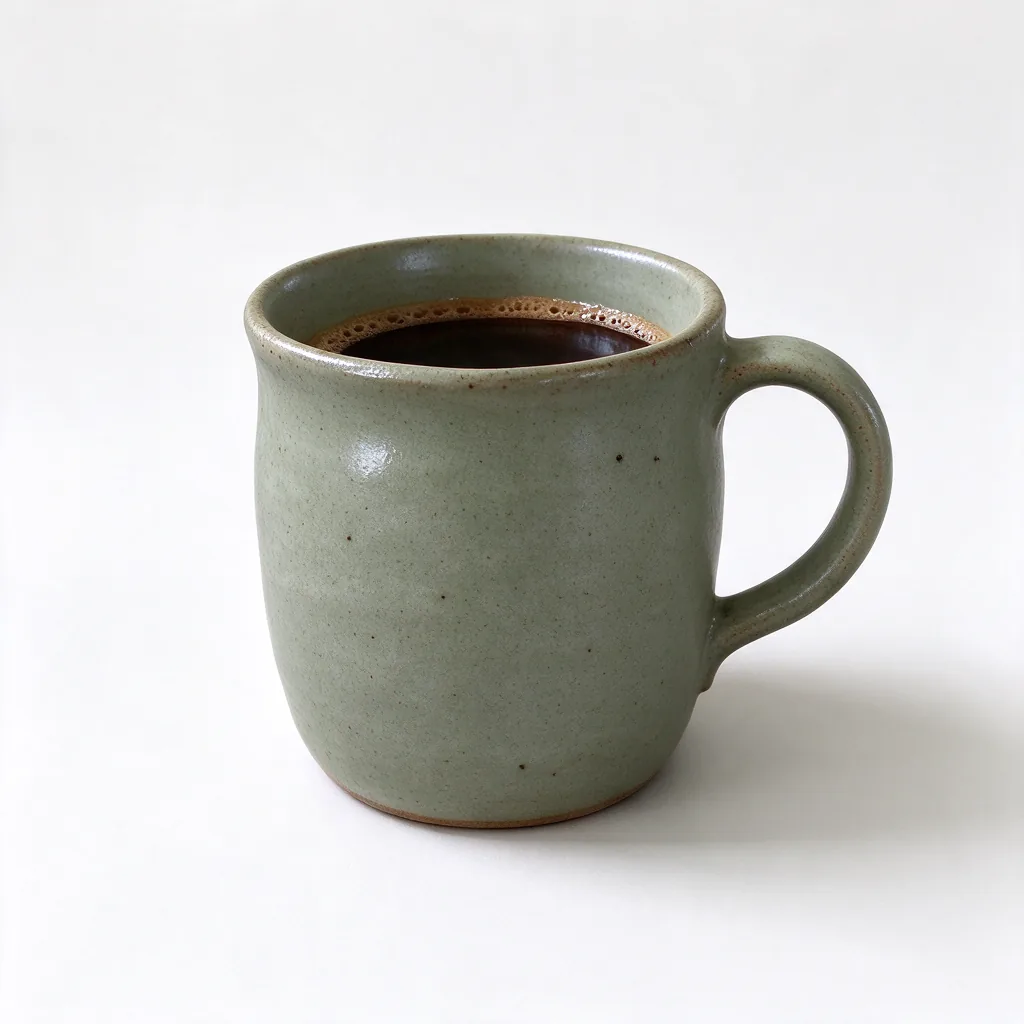 White background
 Lifestyle scene
Three shots every listing needs
White-background main image
A clean, evenly lit main image with a soft shadow, the kind marketplaces expect as the first photo.
Lifestyle scene
Your product on a kitchen table, a desk or a bathroom shelf, so shoppers can picture it at home.
Seasonal & promo
Holiday, gift and sale backgrounds for Black Friday, Christmas or a new collection, without a reshoot.
How it works
- Upload your photoA clear phone photo works. Use good light and keep the whole product in frame.
- Pick a sceneStart from the ready-made instruction below and change the setting to suit your shop.
- Generate and downloadSee the credit cost first. Failed generations refund their credits automatically.
The studio opens with this instruction already filled in. Edit the scene part to suit your product:
Place this exact product on a clean white studio background for an online store listing. Keep the product identical: same shape, colours, materials, label, printed text and proportions. Soft even lighting, a gentle natural shadow under the product, product centred and fully visible. No extra objects, no added text or logos.
Simple pricing
Prefer no subscription? One-time credit packs start at $4.90 for 20 credits, never expire, and also include commercial use. Current prices and license terms are always shown before checkout. See the terms & image license.
Questions sellers ask
Will my product look exactly the same?
The editor is told to keep your product unchanged, and most results keep it closely. AI can still alter small details such as fine print or logos, so zoom in and compare with your real product before you publish. If something changes, generate again or adjust the instruction.
Can I use the images in my store?
Yes, once you are on a paid option: an active Creator or Studio plan, or after buying any one-time credit pack. Images generated from then on are marked “Commercial use” in your library. The 3 free sign-up credits are for trying it out and personal use.
What photo should I upload?
One product, in focus, with even light and the whole item visible. A plain table or wall behind it gives the cleanest results.
What if a generation fails?
The reserved credits are returned automatically.
Save this guide for later