Put your product in a new scene, right here.
Your product stays the same; only the scene changes. AI looks at your photo and suggests three scenes made for it; pick one and see a free preview, then make the one you like full size.
Previews are 512 px and watermarked, 2 per person per day. For full-size images, open the product studio.
One phone photo, a new scene
Four examples of what the tool does. All images here are AI-made demos, not customer photos.
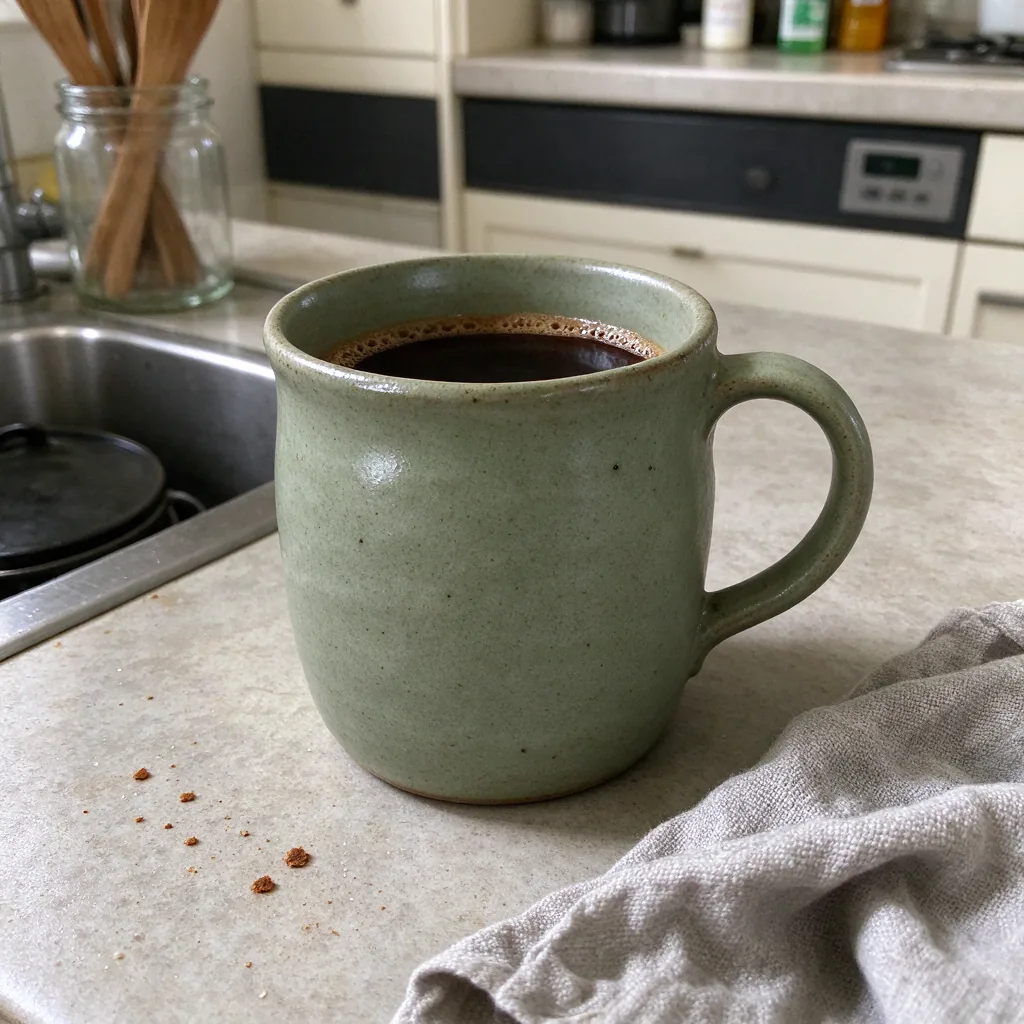 Before
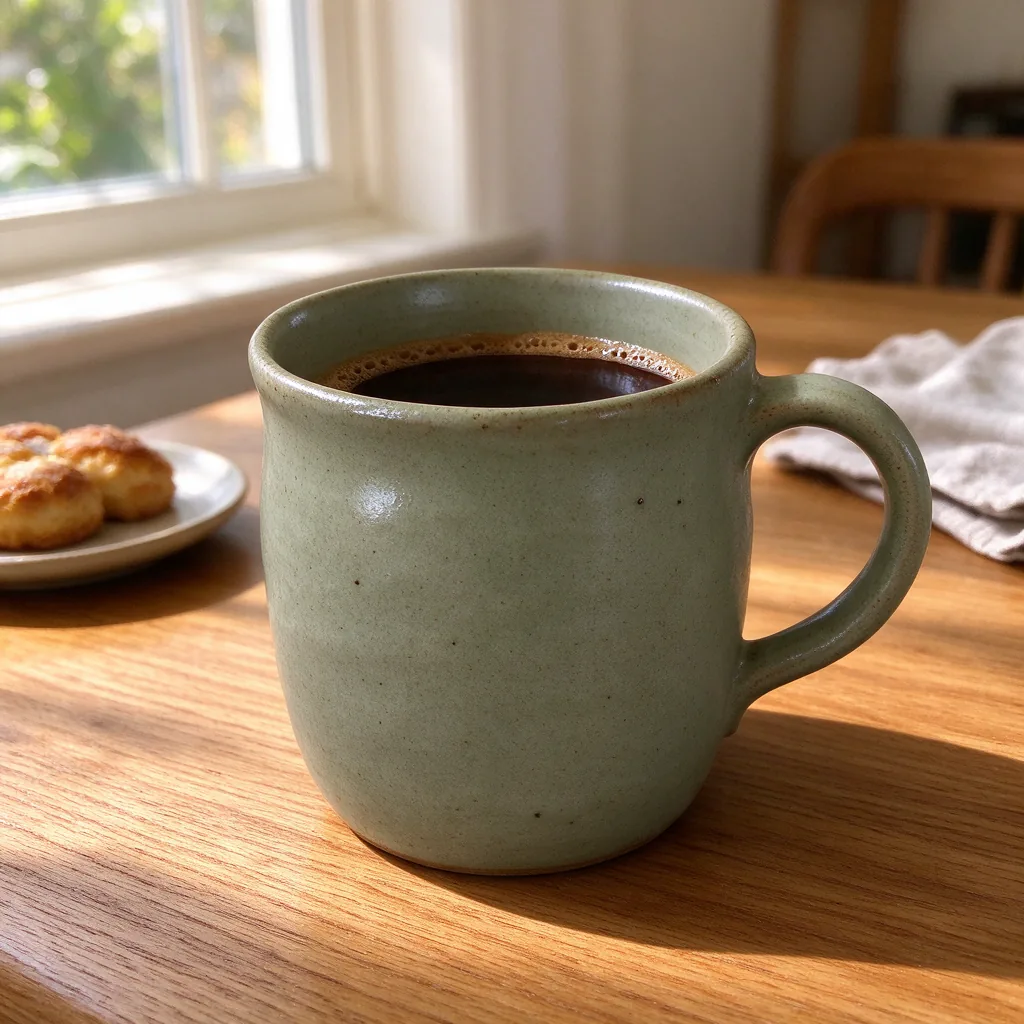 Lifestyle
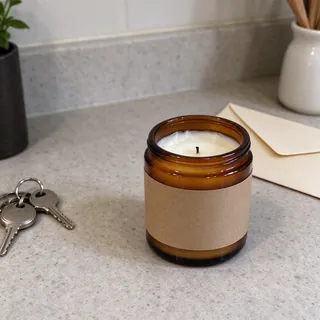 Before
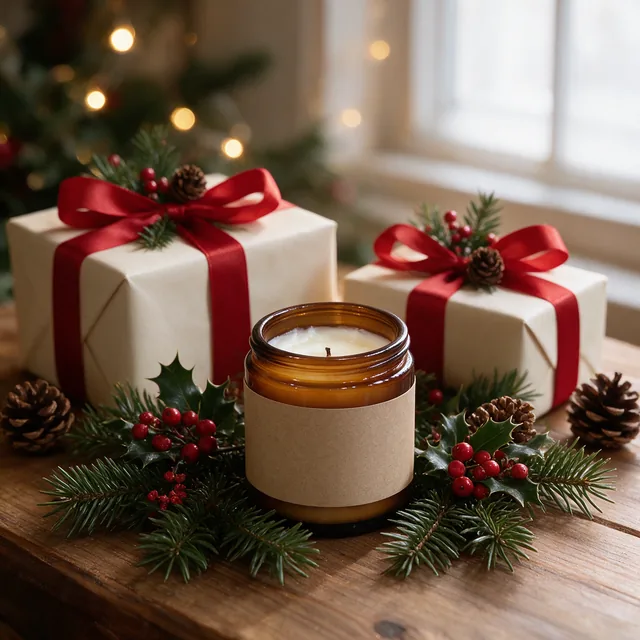 Christmas
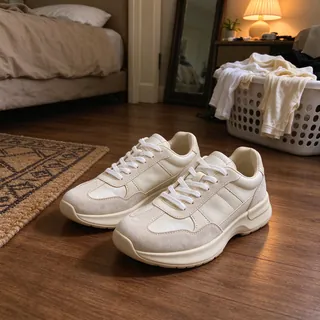 Before
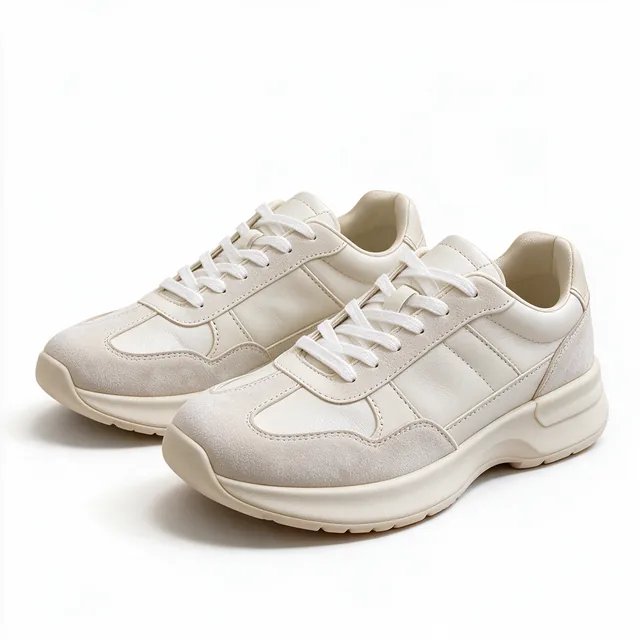 Clean white
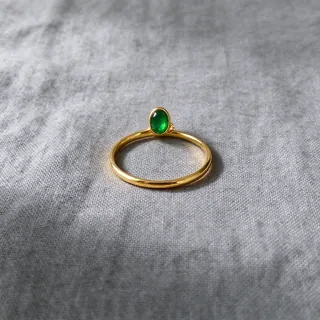 Before
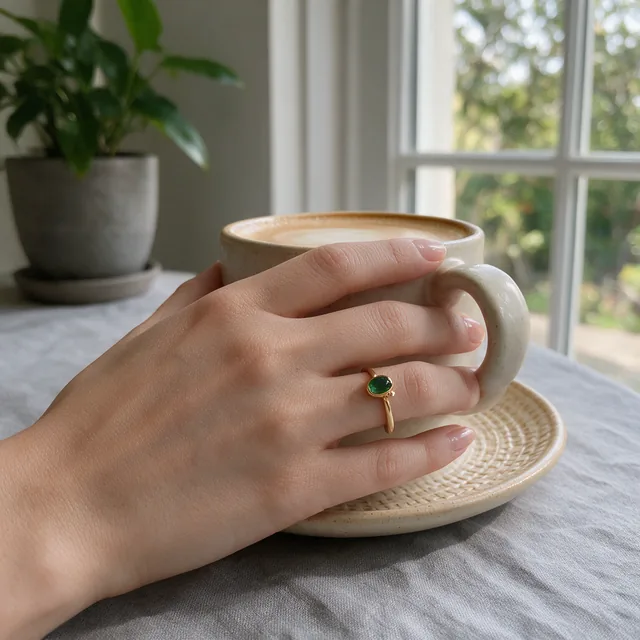 Worn
AI can change small details such as glaze, stones, stitching or print, so check every image against the real product before you list it.
How it works
- Upload one photoOne product, fully in frame, in even light. JPG, PNG or WebP from your phone is fine. No account needed.
- Pick a suggested scene and previewAI names your product and suggests three scenes for it in about 5 seconds, or you describe your own in a few words. The free 512 px preview shows the idea on your product before you spend anything.
- Get it full sizeThe studio makes the full-size image right away with 3 free credits, no sign-up or card; it uses 2. Sign up free with Google or email to download it without the watermark. Failed generations are refunded automatically.
Full size, and what it costs
The preview helps you decide. When you like a scene, “Get my HD photo — free” carries your photo and the scene into the product studio in this tab, and the full-size image starts by itself with 3 free credits, no sign-up (it uses 2). Sign up free with Google or email to download it without the watermark. In the studio you can also:
- make the image at up to 2K, for example 2048×2048 for a square listing photo;
- edit the scene text, such as your own props, colours or surface;
- switch from Seedream 5.0 Flash (2 credits) to Seedream 5.0 Pro (4–6 credits) when you want more detail.
| Step | Price | What you get |
|---|---|---|
| Preview | Free, no sign-up | 512 px, watermarked, 2 per person per day |
| Free credits | Free, no sign-up or card | 3 credits: one full-size image (watermarked until you sign up free), for personal use |
| Credit pack | $4.90 one-time | 60 credits (30 images) as your first pack within 48 hours of sign-up; after that, 40 credits (20 images) |
There is no subscription. Images you make after buying a pack include commercial use. Larger packs and monthly plans are in the studio.
Tool or guide?
This page is the tool. If you first want to know when AI scenes help a listing and when a real photo is better, read the AI product photo generator guide or how to put a product photo in a new scene. To cut your product out onto pure white without AI, the free white background tool runs in your browser. For moving images, see Seedance 2.0 Mini.
Questions
Is the preview really free?
Yes. You can make 2 previews per person per day without an account or a card. Previews are 512 px and watermarked, so they are for judging a scene, not for your listing. If the site’s free previews for the day are used up, the product studio still works.
Do I need to sign up?
Not to make it. The preview needs no account, and the studio makes your first full-size image with 3 free credits and no sign-up. To download it without the watermark, sign up free with Google or email, no card.
Is there a watermark, and what do more images cost?
Only the preview and an image made before you sign up are watermarked; after a free sign-up your images download without a watermark. More images cost $4.90, one time, with no subscription. If it is your first pack and you signed up less than 48 hours ago, you get 60 credits (30 images) for $4.90; otherwise the $4.90 pack has 40 credits (20 images).
How many credits does one image use?
2 credits with the default model, Seedream 5.0 Flash, or 4 to 6 credits with Seedream 5.0 Pro depending on size. The exact cost is shown before you generate, and failed generations refund their credits automatically.
Can I use the images in my shop?
Yes, after you buy any credit pack: images you make from then on include commercial use. Images made only with the free credits are for personal use.
What happens to the photo I upload?
To write the scene suggestions and make the preview, your photo is sent to our AI providers for those requests and is not stored. We keep only an anonymous count so the daily limits work.
Will my product look exactly the same?
Every scene tells the model to keep the product identical: shape, colours, materials, label and proportions. AI can still change fine print, logos, stitching or small parts, so compare the result with the real item before you list it.
Can I use AI product photos on Etsy and Amazon?
Yes, if they show your real product accurately. Etsy requires at least one unedited photo of the actual item and asks you to mention AI edits in the description; Amazon’s main image must be on a pure white background, so use a scene as an extra image.