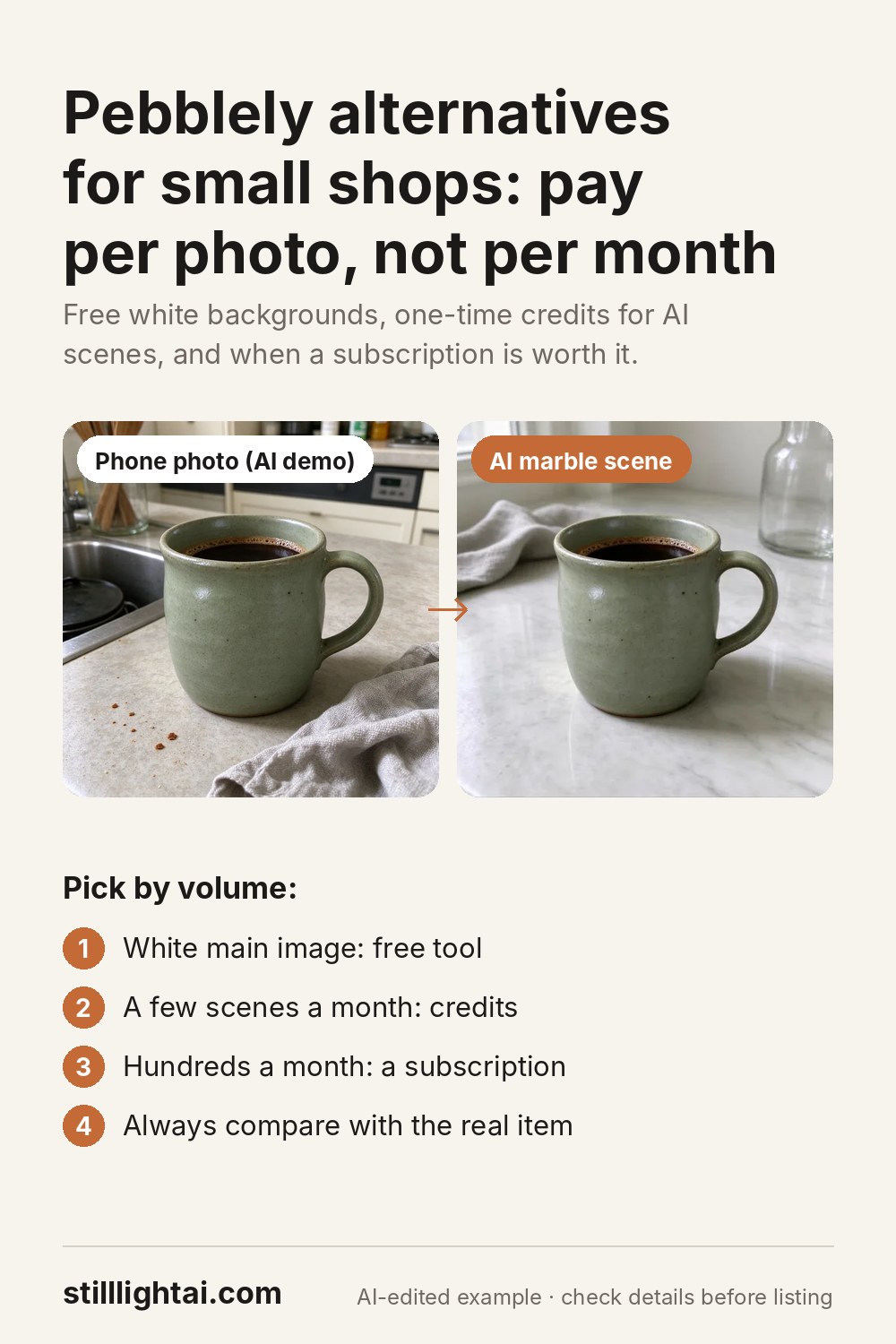
Pebblely alternatives for AI product photos
Pebblely’s pricing page lists three monthly plans: Lite $9 for 30 images, Basic $19 for 200 and Pro $39 for 500, and does not list a free plan. If you list only a few products a month, a pay-as-you-go option can cost less: Stilllight’s free white background tool makes white main images (3 a day with no sign-up, unlimited with a free account), and the Stilllight AI editor makes lifestyle and holiday scenes with one-time credit packs from $4.90. If you make hundreds of images a month, Pebblely’s larger plans work out cheaper per image.
Try it free on your product photo
Only need a white background? Use the free tool
2 free watermarked previews a day without an account, 3 free credits to start, no sign-up or card needed.
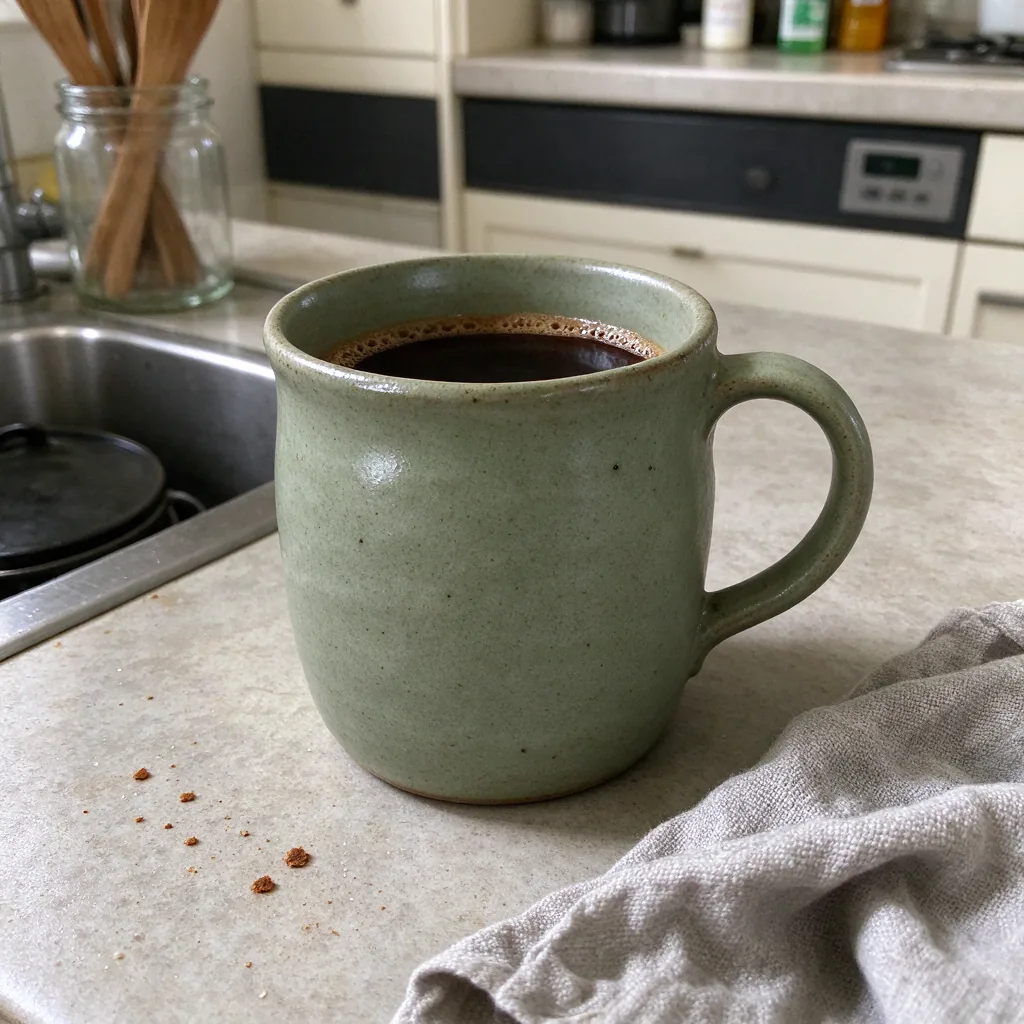 Before
 Marble
 Gift guide
What Pebblely does well
Pebblely is built for one job: put your product in a new background. According to its March 2026 update, you upload a product photo, crop to the product and the AI generates the scene around it, with no separate background-removal step. You can pick from 40+ templates or write your own prompt, generate for several products at once with the same settings, and choose a size before generating (square 1080×1080, portrait 1080×1350, story 1080×1920, landscape 1920×1080 or a 1200×628 Facebook ad). That makes it a good fit for a shop that needs a steady stream of social and ad images.
Quick comparison
| Tool | Cost | Approx. cost per image | Good for | Watch out for |
|---|---|---|---|---|
| Pebblely Lite | $9/month, 30 images | $0.30 | Trying AI backgrounds for a small shop. | A subscription that renews automatically; cancel in the app if you stop using it. |
| Pebblely Basic / Pro | $19/month for 200 or $39/month for 500 images; yearly plans advertise 2+ months free | $0.10 / $0.08 | Large catalogues, bulk generation, social and ad sizes. | Paying for images you may not use in slow months. |
| Stilllight free white background tool | Free: 3 photos a day with no sign-up; unlimited with a free account | $0 | White main images for Amazon, Shopify and Etsy (2000×2000 or 2667×2000). The photo stays on your device. | Background removal only; chains, glass and cluttered backgrounds can come out rough. |
| Stilllight AI editor | 3 free credits, then one-time packs: $4.90 / 40, $16.90 / 200, $39.90 / 600 credits | About $0.25 to $0.13 (2 credits per product photo) | A few lifestyle, gift or holiday shots a month without a subscription; short product videos too. | One image at a time, no bulk mode. AI can change fine print and logos. |
Pebblely prices from pebblely.com/pricing, checked 28 October 2026, in US dollars. Per-image figures are the plan price divided by its image allowance, assuming you use all of it. Prices change, so check the pricing page before you buy.
When Pebblely is the better choice
- You need many images every month. At 200 or 500 images, Pebblely’s per-image price is lower than Stilllight’s credit packs.
- You want bulk generation. Pebblely can apply the same settings to several products at once. Stilllight generates one image per request.
- You mainly post on social media. Pebblely’s story, portrait and ad presets match those formats directly.
- You like browsing templates. 40+ ready-made themes are quicker than writing a prompt.
When an alternative makes more sense
- You only need a white main image. Marketplaces such as Amazon want the main image on pure white. A free background remover handles that without any plan; see the Amazon main image rules.
- You list a few products a month. With one-time credits you pay only when you have something to shoot, and unused credits do not reset each month.
- You sell on Etsy. Etsy recommends photos at least 2000 pixels wide and high. Check that the size you export meets that; see Etsy photo size.
- You also want a short product video. Stilllight can turn one photo into a short clip; see the video examples with prompts.
Whichever tool you choose: check before you list
- Compare every AI image with the real item: colour, size, text, logos and small parts. AI tools can quietly change details.
- Keep a real photo in the listing. Etsy requires at least one unedited photo of the actual item and asks sellers to mention AI edits in the description. Please check the platform’s latest rules; see AI photo rules for Etsy and Amazon.
- Use scenes that match the product’s real scale. A mug on a giant marble slab or a ring next to an oversized gift box can mislead buyers.
- Check the licence. Stilllight’s paid credits include commercial use; images made with the free credits are for personal use. Read any tool’s terms before using images in ads.
Questions
Does Pebblely have a free plan?
Pebblely’s pricing page, checked on 28 October 2026, lists only paid plans: Lite at $9 a month for 30 images, Basic at $19 for 200 and Pro at $39 for 500. Check the page or the app for any current trial before you sign up.
What is a cheaper Pebblely alternative for a small shop?
If you list only a few products a month, pay-as-you-go is usually cheaper than a subscription. Stilllight’s white background tool is free, and its AI editor uses one-time credit packs from $4.90 for 40 credits, at 2 credits per product photo.
Is Pebblely cheaper than Stilllight?
At high volume, yes. Pebblely Basic works out to about $0.10 per image and Pro to about $0.08 if you use the full allowance, while Stilllight credits cost about $0.13 to $0.25 per product photo. At low volume, Stilllight can cost less because there is no monthly fee.
Can I use AI product photos from these tools on Etsy?
Yes, if they show the real item accurately. Etsy requires at least one unedited photo of the item and asks you to mention AI edits in the listing description. Rules change, so check Etsy’s current help pages.
Sources
- Pebblely pricing
- Pebblely: Introducing the new Pebblely (March 2026)
- Etsy Help: Requirements and Best Practices for Images
Checked 28 October 2026. Prices and rules change, so check the source before you rely on them. Stilllight is not affiliated with Pebblely.
Save this guide for later