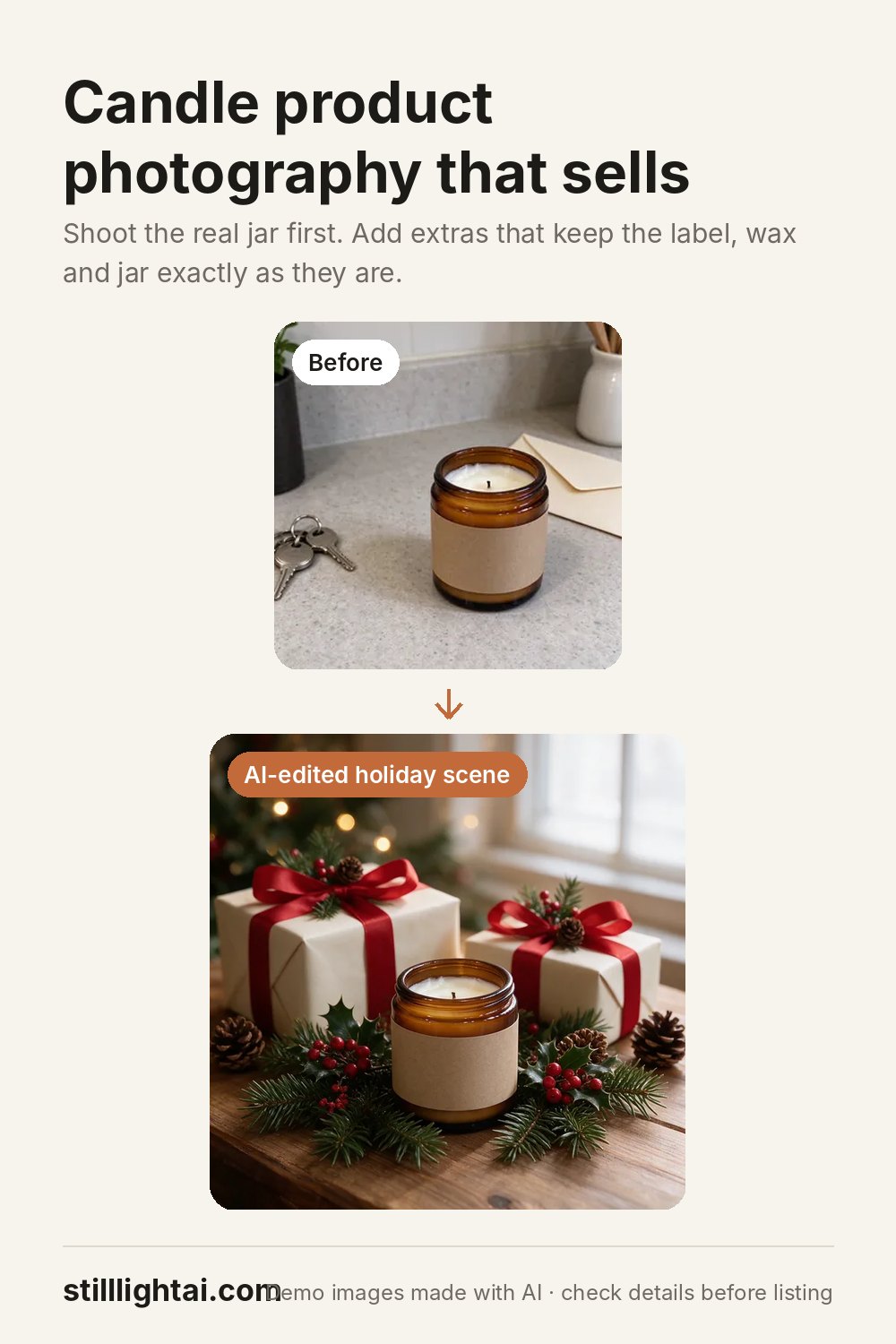
Candle product photography: how to shoot candles that sell (phone + AI)
Shoot candles by a window in soft daylight, unlit and lit, with the label square to the camera and something in the frame that shows the size. Start each listing with a real, unedited photo of the candle (Etsy now requires one in most listings), then add a white-background shot, a scent scene and a holiday scene. AI can make those extras, as long as the label text, jar shape and wax colour still match the candle you ship.
Try it free on your product photo
Only need a white background? Use the free tool
Practical advice, not legal advice. Check the platform’s latest rules before you list.
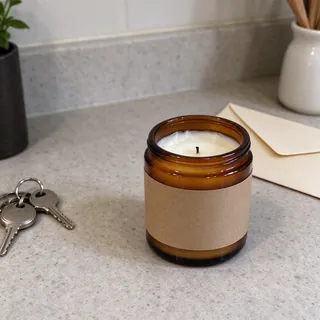 Before
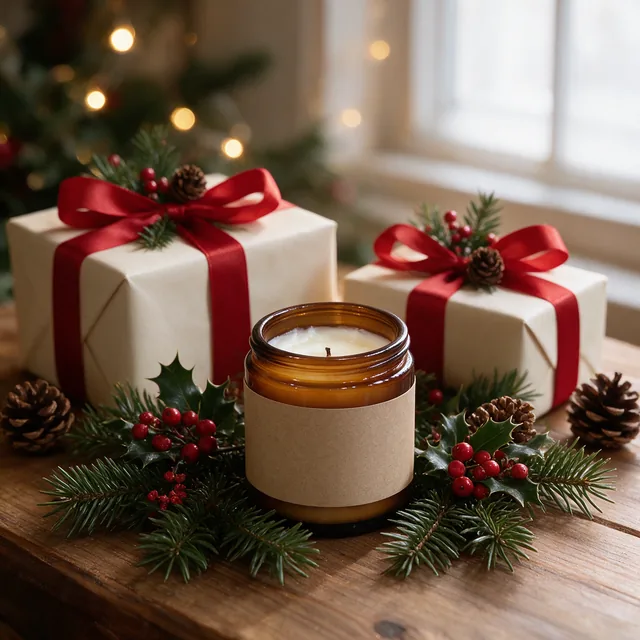 AI-edited scene
Light: a window, not a lamp
- Side light from a window. Overcast daylight or a sheer curtain gives soft light that shows the wax texture. Avoid direct sun on the jar.
- Overhead lights off. Warm kitchen bulbs mixed with daylight turn white wax yellow or orange.
- A white card opposite the window lifts the shadow side. A piece of printer paper is enough.
- Phone. Use the 1× or 2× lens, not ultra-wide. Tap the label to focus and lower the exposure if the wax looks blown out.
Glass and amber jars: control reflections
Glass mirrors the window and your phone. Turn the jar so the bright reflection sits on its edge, hold the phone slightly to one side and skip the flash. Amber jars go dark from the front: put a white card behind the jar so the glass glows. More set-ups are in our glass and shiny product photo guide.
A label buyers can read
Shoot one photo straight on, with the label centred and sharp, and a close-up of any ingredients or safety label. Wipe fingerprints off the jar first; glass shows them.
Lit or unlit?
Show both. Unlit shows the true wax colour and fill level; lit shows the mood. The Etsy image rules we checked do not mention flames, but they require accuracy, so never add a flame or melt pool the candle did not have. If you advertise, check the ad platform’s own policy. Shoot lit candles on a heat-safe surface, away from fabric and dried flowers.
Wax colour and size
- Colour. Hold the real candle next to your screen and compare; white and pastel wax drift easily.
- Size. Show it in a hand or next to a mug, and give height, diameter and wax weight in the description.
Tell the scent story with props
Pick two or three props that match the scent notes: orange slices and cinnamon, lavender, eucalyptus, coffee beans. Keep them small and to the side. Never use props that look like extra products, such as a second candle, a wick trimmer or a tray, unless the buyer gets them; if in doubt, write “props not included”.
A 7-photo listing plan
| Slot | Photo | Edited? |
|---|---|---|
| 1 | The real candle on a real surface, label readable. | No, never |
| 2 | The same candle on a clean white background. | Yes |
| 3 | Lit, in a cosy setting. | Light edits only |
| 4 | Size: in a hand or next to a mug. | Light edits only |
| 5 | Scent story with matching props. | Yes, if accurate |
| 6 | Close-up of the label, wax surface or safety label. | Light edits only |
| 7 | A gift or holiday scene, swapped out after the season. | Yes, if accurate |
Since 22 October 2026, most Etsy listings need at least one unedited photo of the actual item against a real background: see Etsy’s unedited photo rule. Etsy sets no position for it; first is our suggestion. The free white background tool helps with slot 2 and the AI studio with slots 5 and 7. Never use either for photo 1.
Common mistakes
- A blown-out flame with a black jar.
- Orange wax from warm indoor bulbs.
- A tilted or blurry label.
- An ultra-wide lens that makes the jar bulge.
Checklist for AI-edited extras
- Label text unchanged. Zoom in: AI can warp small letters and logos.
- Jar shape and lid. Same height, rim, glass colour and lid as the real one.
- Wax colour and fill level match photo 1.
- Wick count and position are the same.
- Realistic scale. Props sized so the candle does not look bigger than it is.
- No added items that the buyer will not receive.
- Amazon main image: pure white is required; see Amazon’s rules.
Etsy recommends noting edited photos in the description, for example “Photo 1 is unedited; other photos were edited with AI to change the background.”
Make the extra photos in Stilllight, step by step
- Shoot photo 1 first.The real candle, unlit, label straight on. It stays unedited.
- Upload a copy to the studio.No sign-up. AI suggests 3 scenes for your candle, or pick White background, Lifestyle, Holiday or Gift.
- Check the free preview.512 px, watermarked. Run the checklist above on it.
- Make it full size.2 credits with Seedream 5.0 Flash, up to 2K. The cost is shown first; failed images return their credits.
- Download.A free sign-up (no card) removes the watermark. Selling with an image needs commercial use, included with any paid pack or plan.
- Add it after the real photo.Use it as photo 2 to 7 and note the edits in your description.
 Before
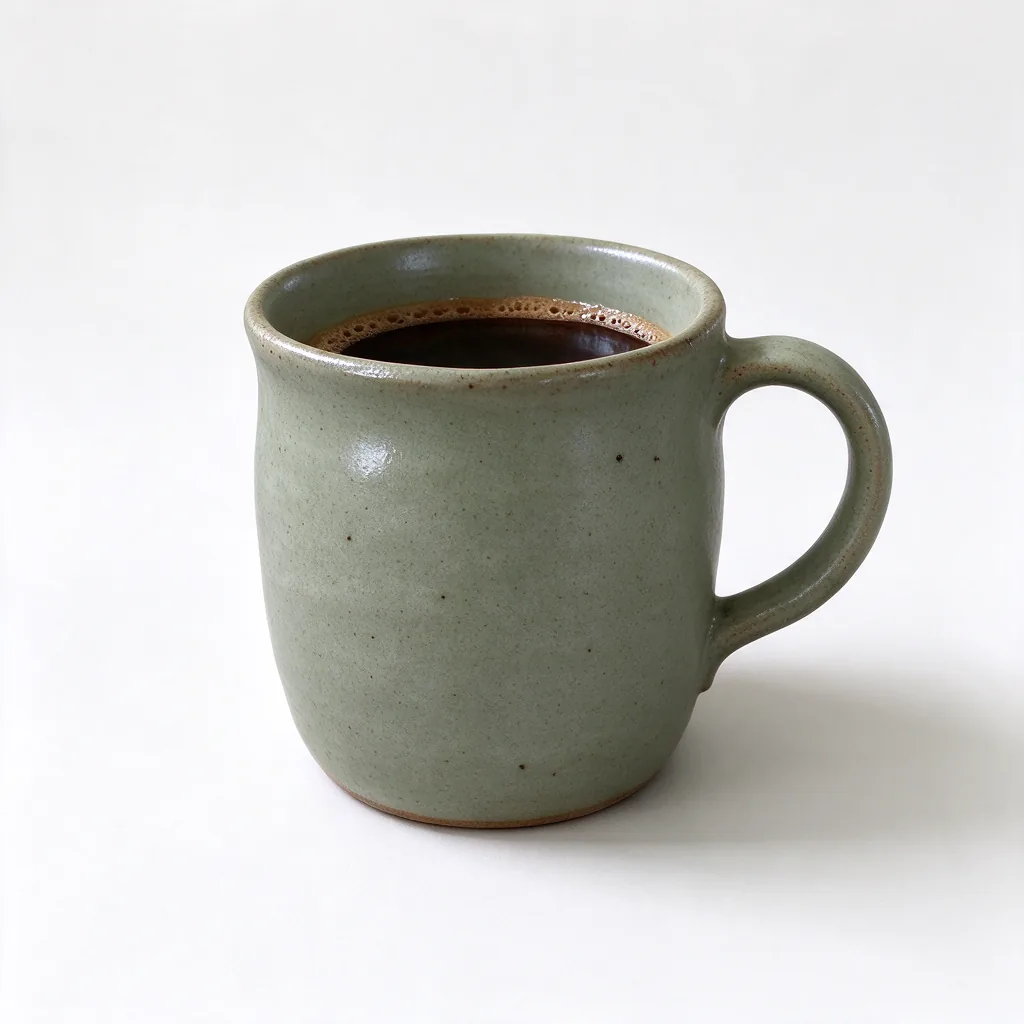 White background
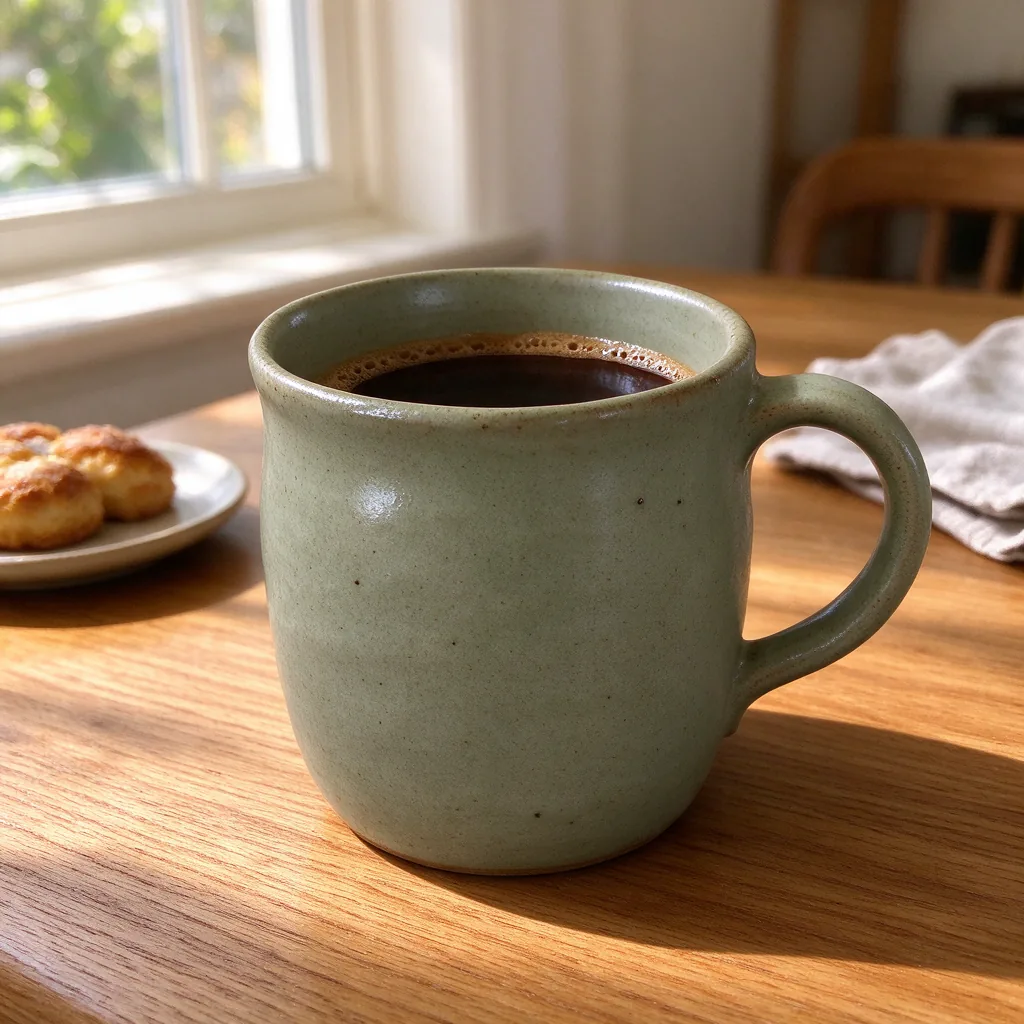 Lifestyle scene
Signed in, Listing set makes a white, a lifestyle, a holiday and an optional gift image from one upload, priced as the sum of its images. Open the studio.
What one candle listing costs
| What you make | Credits | Price |
|---|---|---|
| Preview (512 px, watermarked) | 0 | Free, no sign-up |
| Full-size Flash image, up to 2K | 2 | 3 free credits cover one, personal use |
| Listing set (3 or 4 images) | 6 to 8 | Free account plus credits |
| Seedream 5.0 Pro image (finer detail) | 4 to 6 | Same credits |
| One-time packs, never expire, commercial use | 40 / 200 / 600 | $4.90 / $16.90 / $39.90 |
Example: four Flash extras for one candle use 8 credits, so a $4.90 pack covers five listings, about 25 cents an image. A first pack bought within 48 hours of sign-up is 60 credits for $4.90. No subscription needed; see pay-once options compared and the image license. Prices checked 3 November 2026 and always shown before checkout.
Where Stilllight falls short for candles
- Small print. Ingredient and safety labels can warp: photograph them for real (slot 6).
- Flames. AI can add or change a flame. Use only flames you shot.
- Wax texture. Soy frosting, swirls and embedded botanicals can be smoothed.
- Tinted glass. Amber and smoked jars can shift colour.
- Sets. Count the candles and lids in every image.
- Not for Etsy’s unedited photo, exact size photos or whole-catalogue batches: AI scenes are one product at a time (the free white background tool batches up to 20 with a free account).
Questions
Should candle photos show the candle lit or unlit?
Both. An unlit photo shows the true wax colour, the label and the fill level; a lit photo shows the mood. The marketplace image rules we checked do not mention flames, but they do require photos to be accurate, so only show a flame you actually photographed. Check the platform’s latest rules, and an ad platform’s own policy, before you advertise.
What is the best background for candle photos?
Use a clean white background for one clear product shot, and a real surface such as wood, linen or stone for the rest. On Etsy, keep at least one unedited photo of the real candle on a real background in every listing.
Can I use AI to make candle lifestyle photos?
Yes, for the extra photos, if they match the candle you ship. Zoom in and compare the label text, jar shape, lid, wick and wax colour with your real photo, and never use an AI image as Etsy’s required unedited photo.
How much does it cost to make AI candle photos?
The 512 px preview is free with no sign-up, and the 3 free credits make one full-size Flash image for personal use. For listings, one-time packs start at $4.90 for 40 credits, about 20 Flash images, with commercial use. Four extras for one candle use 8 credits.
Sources
- Etsy policy: Listing Image Requirements (updated 22 Oct 2026)
- Etsy Seller Handbook: Important updates to AI use (22 Oct 2026)
- Etsy Help: Requirements and Best Practices for Images
Etsy rules checked 31 October 2026; Stilllight prices checked 3 November 2026. Rules change, so check the platform’s latest rules before you list. Lighting and styling tips are our own advice.
Try it free on your product photo
Only need a white background? Use the free tool
Save this guide for later