Selling a real product? Upload your own product photo instead and keep it unchanged in a new scene: product photos for sellers.
Explore one idea through light, color and composition.
Make a visual concept for a personal mood board or content idea. Start with one object, change one detail, and compare the next version. This is an imagined scene, not a replica of a real product.
Pro · 1K · square · native quality · 1 image · no reference image
2 credits per generation
Load the template in the studio, then review your prompt, settings and balance. Opening a template does not generate or spend credits.
Your starting prompt
A single matte cobalt blue ceramic cup on a warm ivory tabletop, soft window light, clean product photograph, no text, no logo.
This prompt and Pro square configuration were used for an earlier Stilllight blue-cup result. A new output will vary. Change one subject, color or lighting detail. The studio checks current model access and credits before submission. Outputs vary; inspect every result.
Change one visual idea without starting from a blank prompt
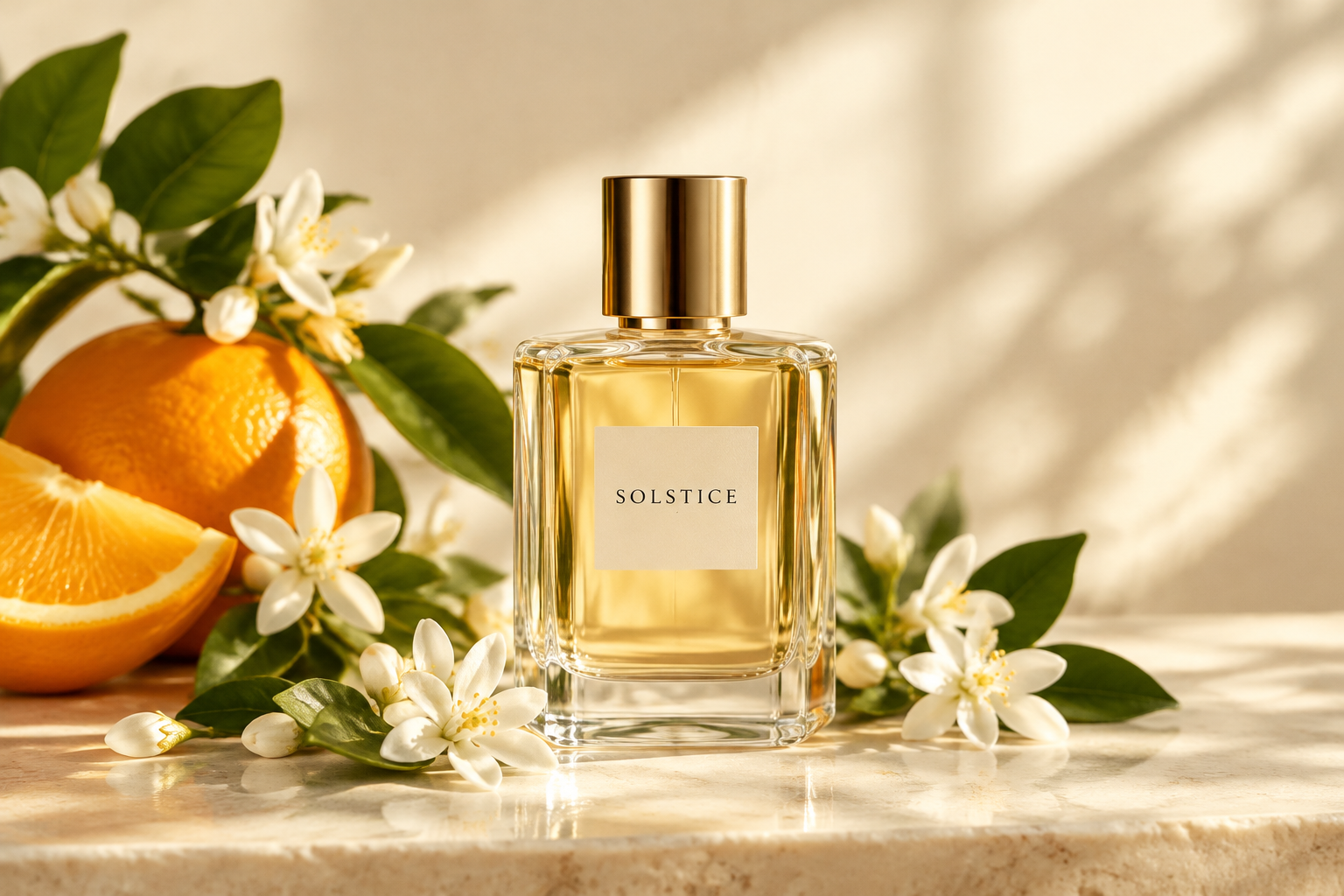
The blue-cup prompt above was used in a real Stilllight Pro acceptance result. The displayed perfume image is a separate historical Flare sample. The variations below are editable suggestions; no before-and-after output or generation time is claimed.
- Keep a baseline. Use the template above: one image, Pro, 1K square, no reference. Keep a copy of the starting prompt so you can compare what changed.
- Choose one variable. For light, replace “soft window light” with “gentle overcast daylight.” For color, replace “cobalt blue” with “sage green.” For composition, add “cup placed on the left, open space on the right.” Change only one for each study.
- Review and submit once. With the same model and settings, each new image currently costs 2 credits. A baseline plus three new variations costs 8 credits if all four requests succeed. These are separate paid generations, not free edits or deterministic versions.
- Compare useful differences. Look at the shadow, contrast and space around the cup. Download the versions you want to keep, then rename your downloaded files with names such as light-study or color-study. Reopen saved images from Account & library.
- Continue from a clear choice. Keep the prompt and settings in the editor, change the next detail, and inspect the total again. Reusing a prompt does not guarantee the same cup, scene or character.
Image commercial permission depends on the eligible subscription and label at generation time; see current usage rights. Upgrading later does not retroactively license an earlier personal-use image. For a different subject, follow the reading-mood tutorial.
From idea to a saved result
- Open the studio and choose Use template. Your previous draft can be restored before you leave this session.
- Edit the prompt and review the model, total credits and available daily capacity.
- Submit once. If the connection drops, return to check the original task rather than creating a new paid request.
- When the result is ready, review it, download it and find it again in your private library.
Failed generation returns reserved credits. Read the current terms, usage rights and refund information before purchasing. Models and capacity can be temporarily unavailable.
Before you start
Will this reproduce my real product exactly?
No. This text-based workflow creates a concept image, not a guaranteed product replica.
Can I use an image commercially?
Commercial permission applies to images generated during an eligible active Creator or Studio subscription and marked Commercial use. That permission continues after the subscription ends under the current terms. Upgrading does not retroactively license earlier personal-use images.