Give your next reading mood a picture.
Turn a quiet moment into a visual study. Pick a palette and a focal object, then leave room for your own layout. Stilllight creates the image; you check the details and add final typography separately.
Pro · 1K · square · native quality · 1 image · no reference image
2 credits per generation
Load the template in the studio, then review your prompt, settings and balance. Opening a template does not generate or spend credits.
Your starting prompt
A quiet reading nook beside a rainy window, an open book and a simple cream coffee cup on a wooden table. Soft amber lamplight contrasts with cool blue rain outside. Gentle illustrated texture, square composition, empty space above the book. No readable text, logo or watermark.
Change one subject, color or lighting detail. The studio checks current model access and credits before submission. Outputs vary; inspect every result.
Start from the cafe example
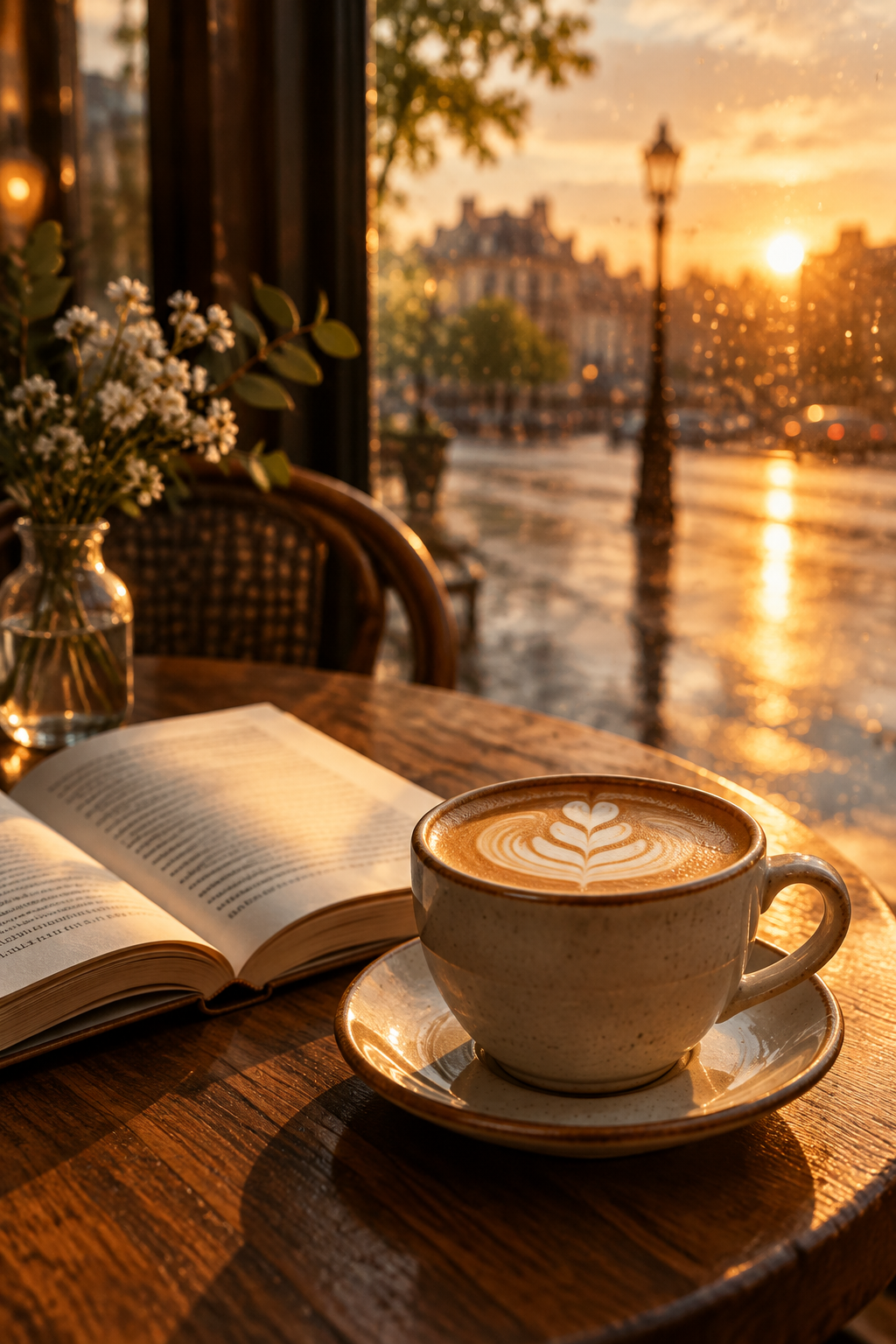
The cafe image above is an earlier Stilllight result. This optional preset uses its recorded prompt and settings: Flare, portrait, low quality, 1 image, 1 credit. The default square Pro template remains a separate 2-credit choice. Results vary; a template does not guarantee the same image.
A polished social media cover for a modern coffee brand, a latte beside an open book in a sunlit café after rain, warm sunset light, strong focal point, room for a short headline
Use the cafe example · 1 creditReview the selected model and total credits in the studio. If this exact configuration is unavailable, the template will not substitute another model.
Make a reading mood image from a template
Use this for a personal reading journal, mood board or a visual starting point for a post. The image above is a real earlier Flare result; the Pro template is a different, square starting point, not a promise to recreate it.
- Start with the square template. Open Start a reading mood image (Pro, 2 credits) and choose Use template. This imports the prompt and Pro 1K square settings without submitting a request.
- Make one detail yours. Keep the book and window. Replace “soft amber lamplight” with “soft overcast daylight” for a cooler mood, or replace “cream coffee cup” with “sage-green tea cup.” These are prompt suggestions, not separately generated examples.
- Check the total. One image with these unchanged settings currently costs 2 credits. A second new image costs another 2 credits; two successful requests total 4 credits. Model access, your balance and shared daily capacity must allow the request.
- Review before downloading. Check the book, cup and scene details. Use Download for the result; add readable text yourself. Your private library keeps the saved image while you keep it in your account.
- Make a second study when useful. Keep the editor settings and change one phrase, then review the total and submit once. A new request produces a new image; it does not preserve exact objects or characters.
If a request is still running after a connection problem, recover that original task before starting another. Draft recovery uses the same browser tab and account, with a 24-hour lifetime; it is not cross-device draft sync. See how to change light, color and composition one at a time.
From idea to a saved result
- Open the studio and choose Use template. Your previous draft can be restored before you leave this session.
- Edit the prompt and review the model, total credits and available daily capacity.
- Submit once. If the connection drops, return to check the original task rather than creating a new paid request.
- When the result is ready, review it, download it and find it again in your private library.
Failed generation returns reserved credits. Read the current terms, usage rights and refund information before purchasing. Models and capacity can be temporarily unavailable.
Before you start
Does this create a finished book cover?
It creates one image. Add and proofread your own typography, and check any final print requirements separately.
Will a character look the same in every image?
Character consistency is outside this verified workflow. Use this template for a scene or mood, not a promise of matching characters.